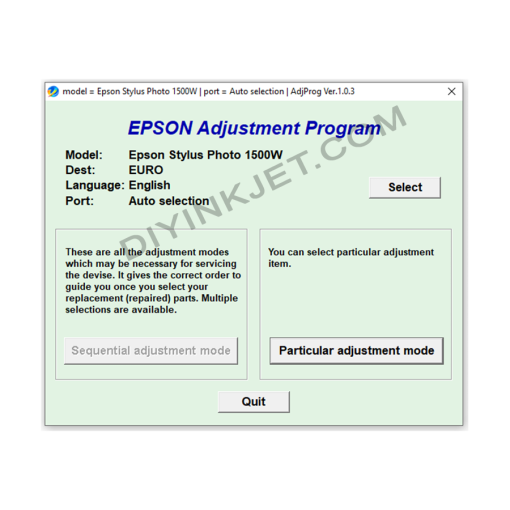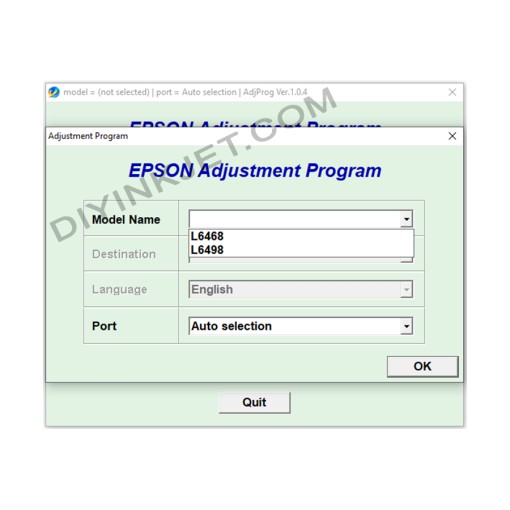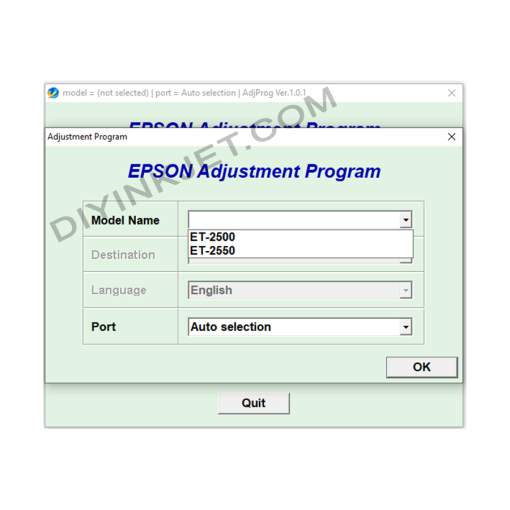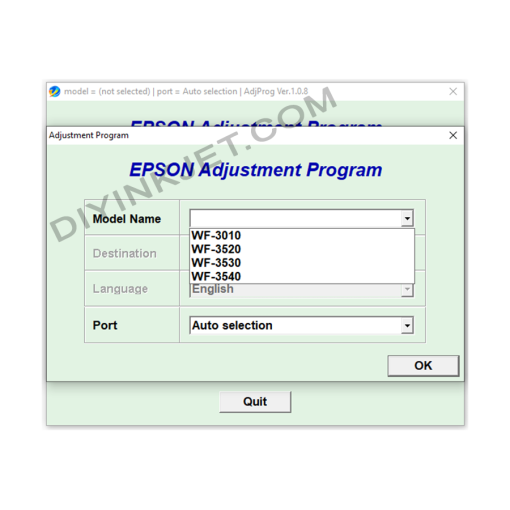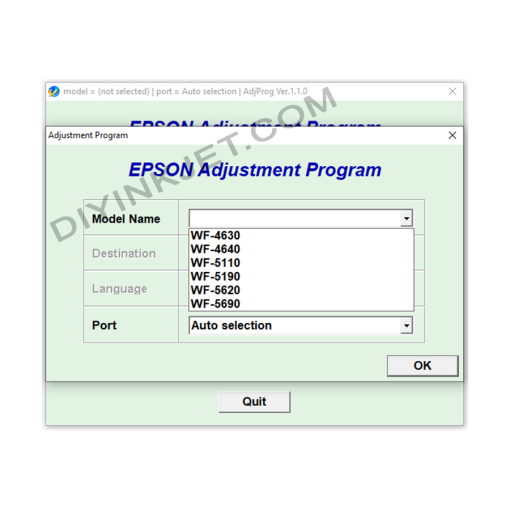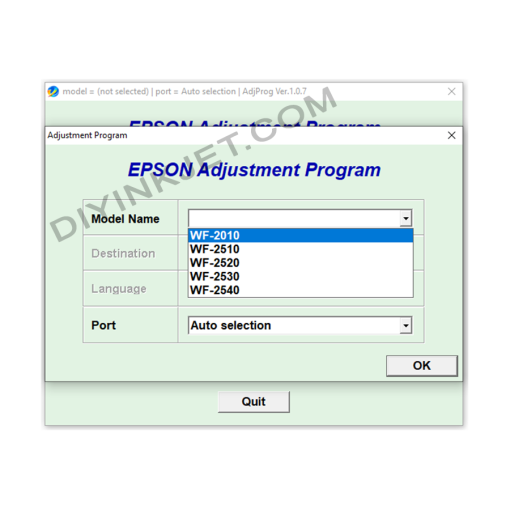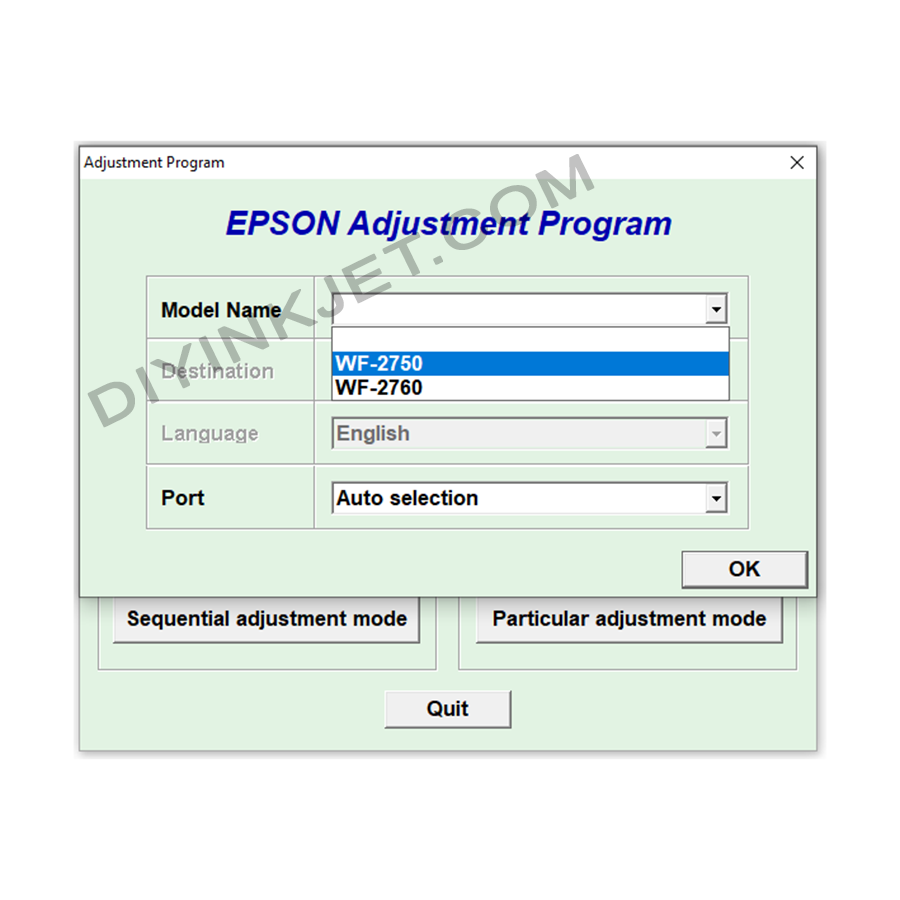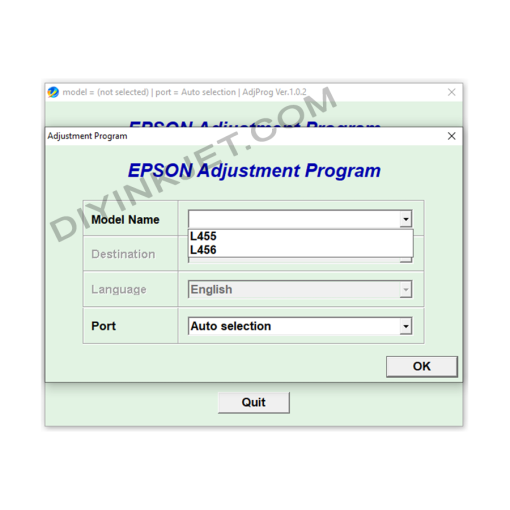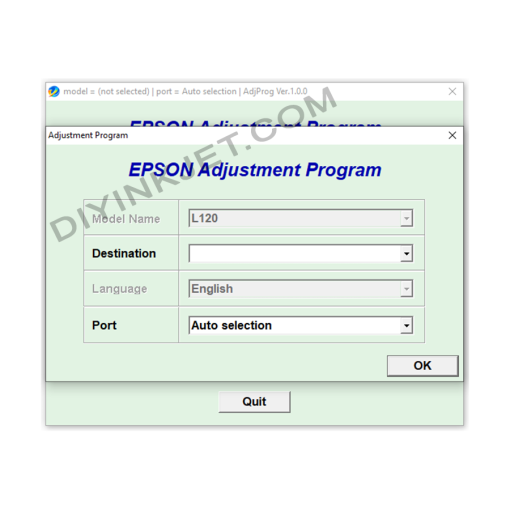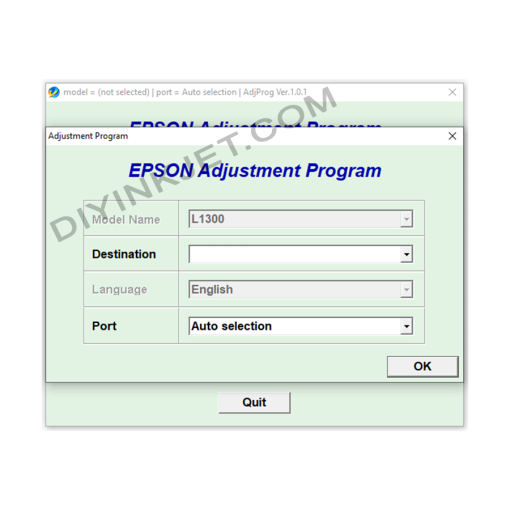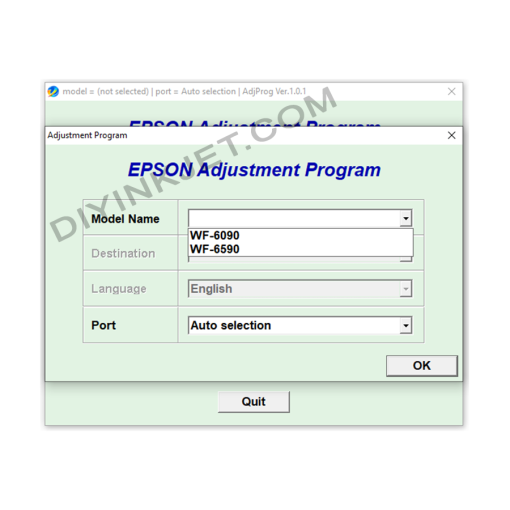
What is the Adjustment Program and its importance for the Epson WF-2750/WF-2760?
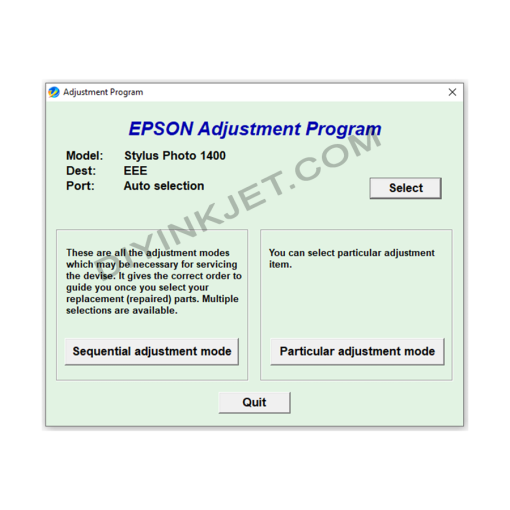
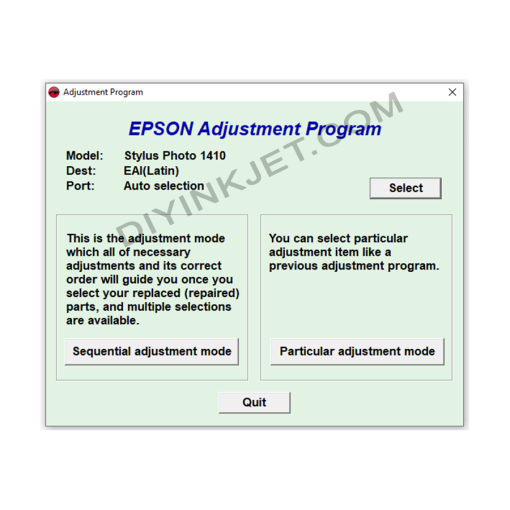
The Adjustment Program is an internal software tool provided by Epson (or third-party developers) for service technicians. This software allows access and deep adjustment of the printer’s settings, especially managing the lifetime counters of its components.
For the Epson WorkForce WF-2750 and WF-2760 printers, the core and most critical function of the Adjustment Program is to reset the Waste Ink Pad Counter. All Epson inkjet printers have a special internal ink pad to absorb excess ink generated during print head cleaning cycles and printing operations. To prevent the waste ink from overflowing and potentially damaging internal electronic components, Epson integrates a counter. When this counter reaches its safe threshold (usually 100%), the printer automatically locks down and displays an error, requesting maintenance.
The Adjustment Program software will help you to:
- Reset the Waste Ink Counter: Set this counter back to zero, making the printer “believe” that the ink pad has been cleaned or replaced, thus allowing it to resume printing.
- Perform in-depth maintenance tasks: Besides resetting the counter, the software can also offer options to check printer status, Print Head Alignment, Nozzle Checks, and other service functions to optimize printing performance and quality.
- Change Firmware (if applicable): Some versions of WIC Reset Utility also allow for changing the firmware to make the printer chipless (no longer require chip on cartridges) or fix other specific issues.

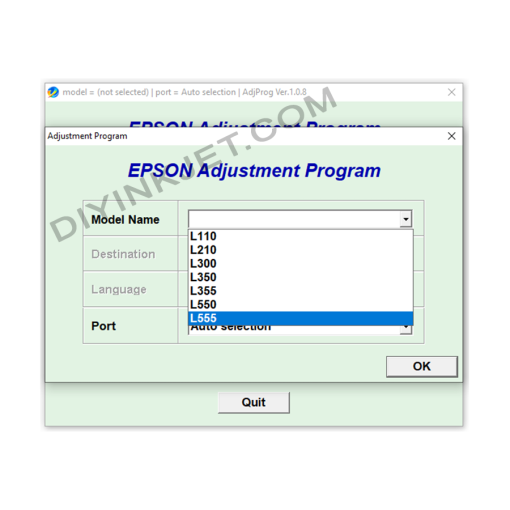
Epson L110 L210 L300 L350 L355 Adjustment Program
Epson L130 L132 L220 L222 L310 L312 L362 L365 L366 Adjustment Program
Epson WF-3010 WF-3520 WF-3530 WF-3540 Adjustment Program
Epson Service Manual: The Ultimate Repair Guide for Your Epson EcoTank L-Series & ET-Series Printers (L3250, ET-4800, L5290, 28xx, 32xx, 12xx, 1810 Series)
Epson WF-2010 WF-2510 WF-2520 WF-2530 WF-2540 Adjustment Program