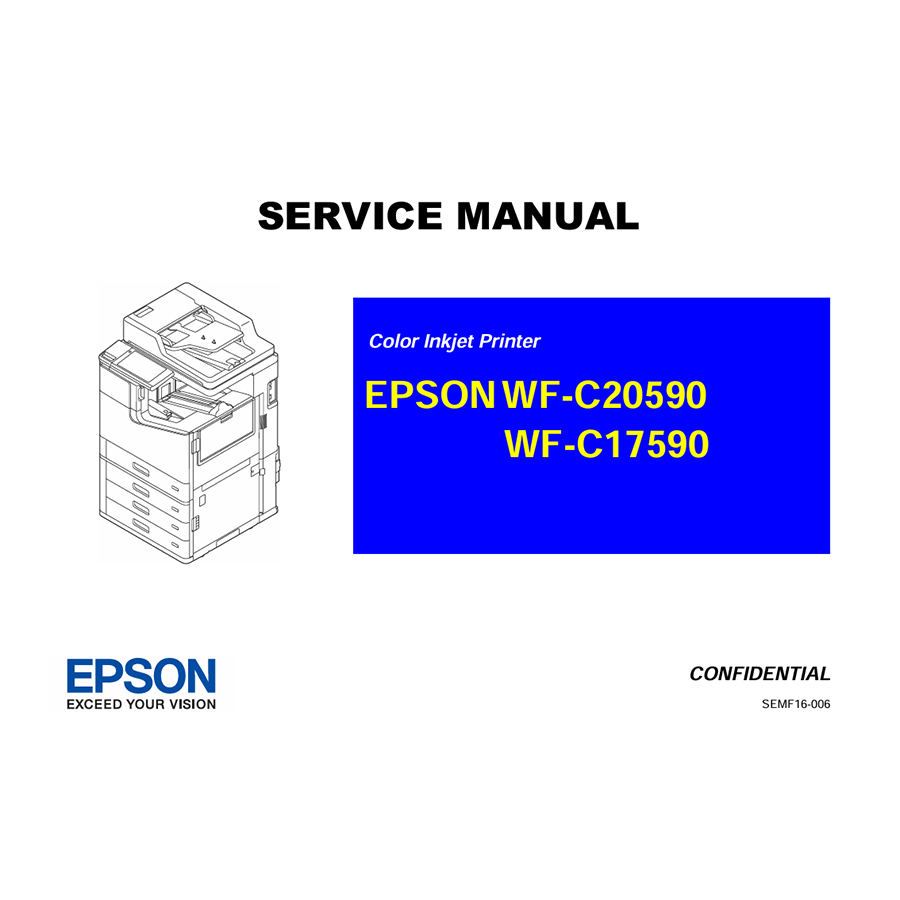
The Epson WorkForce Enterprise WF-C20590a and WF-C17590a (and their non-‘a’ counterparts) are powerful, high-speed color inkjet copiers designed for demanding office environments. Known for their efficiency and advanced features, these machines offer impressive performance. However, when issues arise, a standard user manual won’t provide the detailed technical information needed for serious troubleshooting or component replacement. That’s where the Epson Service Manual becomes an indispensable tool.
Why This “Epson Service Manual” is Crucial for Your Enterprise Copier
Unlike basic user guides, the service manual for these robust Epson copiers is a deep dive into the machine’s architecture and functionality. It’s designed for trained technicians but can be invaluable for IT professionals or advanced users who need to perform in-depth maintenance or repairs. Here’s what makes it so vital:
- Detailed Error Code Explanations and Troubleshooting: These high-end copiers have sophisticated diagnostic systems. The manual provides an exhaustive list of error codes, explaining what each code signifies, its potential causes, and detailed, step-by-step troubleshooting procedures. This enables precise problem identification, reducing guesswork and repair time.
- Comprehensive Disassembly and Reassembly Instructions: From replacing the PrecisionCore printhead to servicing complex paper feeding mechanisms, the manual provides meticulous, illustrated instructions for disassembling and reassembling every major component. This includes guidance for accessing:
- Main circuit boards
- Ink supply units (RIPS system components)
- Paper feed units and rollers
- Automatic Document Feeder (ADF) and scanner components
- Fuser/fixing unit (if applicable to this inkjet model)
- Control panel and touch screen
- System Schematics and Exploded Views: You’ll find detailed electrical schematics outlining the wiring and electronic pathways, as well as mechanical diagrams showing how all the moving parts fit together. Exploded diagrams are particularly helpful for visualizing component placement and assembly order.
- Adjustment and Calibration Procedures: After replacing parts or if print quality deteriorates, precise adjustments are often necessary. The manual outlines the specific calibration processes, such as printhead alignment, sensor calibration, and paper feed adjustments, to ensure optimal performance and consistent output quality.
- Preventive Maintenance Schedules and Procedures: To maximize the lifespan and reliability of these expensive machines, the manual provides recommended maintenance schedules, cleaning procedures for various parts, and preventive measures to avoid common issues.
- Parts List and Ordering Information: If a component needs replacing, the manual includes a comprehensive parts list with official part numbers. This is essential for ensuring you order the correct, compatible replacement parts directly from Epson or authorized suppliers.

Epson L1800 Adjustment Program
Epson L110 L210 L300 L350 L355 L550 L555 Adjustment Program
Epson L565 L566 Adjustment Program
Epson L800 Adjustment Program
Epson L1300 Adjustment Program
Epson WF-2650 WF-2660 WF-2750 WF-2751 WF-2760 Adjustment Program
Epson WF-4630 WF-4640 WF-5110 WF-5190 WF-5620 WF-5690 Adjustment Program
Epson Stylus Photo 1400 Adjustment Program
Epson Service Manual: The Ultimate Guide for DIY Printer Repair (Epson 7400, 7800, 9400, 9800 Series)