-
×
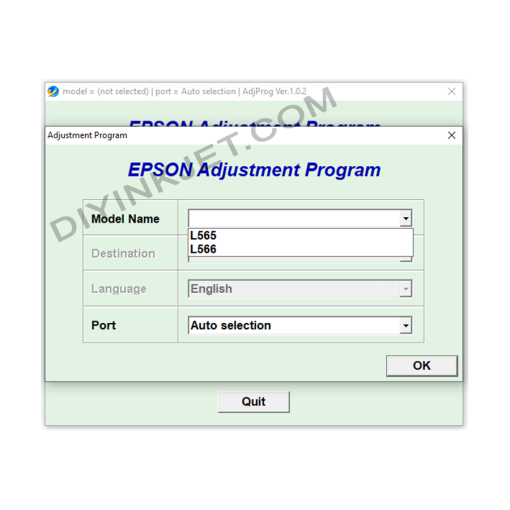 Epson L565 L566 Adjustment Program
1 × 5 $
Epson L565 L566 Adjustment Program
1 × 5 $
Subtotal: 5 $
Original price was: 8 $.5 $Current price is: 5 $.
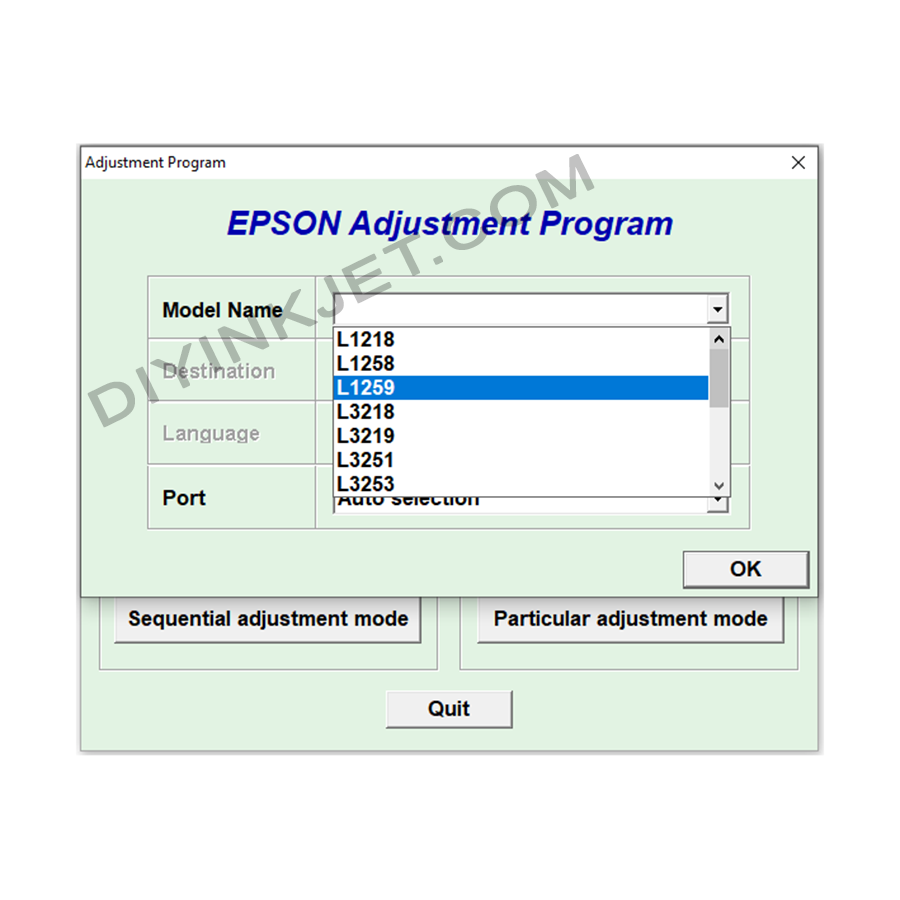
Solving Epson L1218, L1258, L1259, L3218, L3219, L3251, L3253, L3256, L3268, L3266, L3267, L3268, L3269, L5298 Printer Errors with Adjustment Program Software.
If your Epson printer, specifically models L1218, L1258, L1259, L3218, L3219, L3251, L3253, L3256, L3268, L3266, L3267, L3268, L3269, or L5298, suddenly displays “Service Required” or “Ink Pad is at the end of its service life” messages, it indicates that the waste ink counter has reached its limit. In such cases, the Adjustment Program software is the essential tool you need to resolve the issue.
The Adjustment Program (also known as resetter software, WIC Reset Utility, or service program) is an internal software tool used by Epson’s authorized service centers. It is designed to perform deep maintenance and troubleshooting tasks that regular users cannot access through standard printer drivers.
For the mentioned Epson L-series printers, the most critical function of the Adjustment Program is to reset the waste ink pad counter. The waste ink pad is a component that absorbs excess ink during print head cleaning cycles and printing. When the waste ink counter registers that the pad is full, the printer automatically locks down to prevent ink overflow, which could damage internal components. This software allows you to reset this counter to zero, enabling your printer to resume operation.
Using the Adjustment Program software carefully and correctly can help you resolve waste ink counter issues, save on repair costs, and maintain optimal printing performance for your Epson printer.
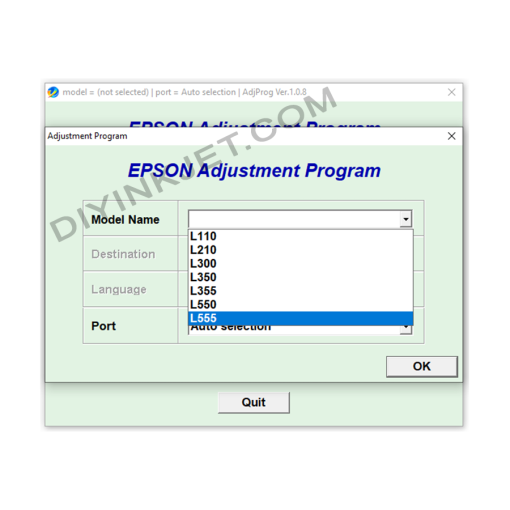
Epson Adjustment Program
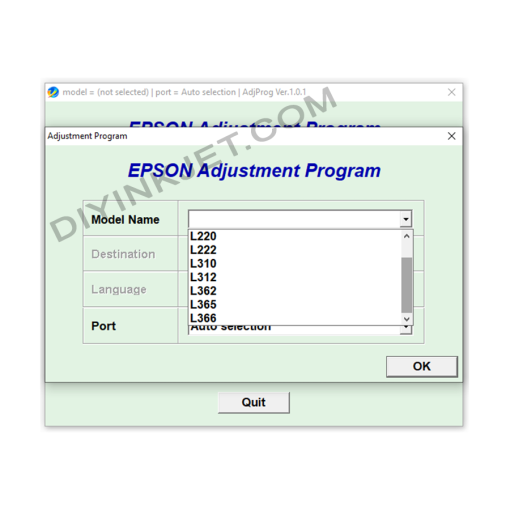
Epson Adjustment Program
Epson L130 L132 L220 L222 L310 L312 L362 L365 L366 Adjustment Program
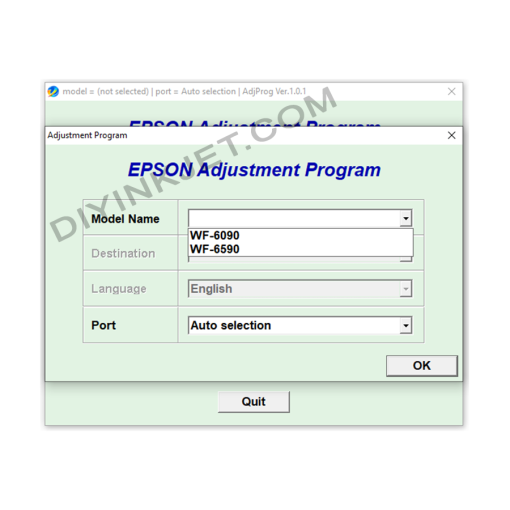
Epson Adjustment Program
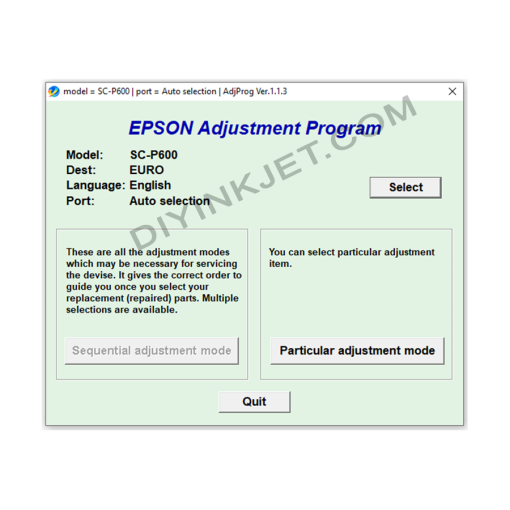
Epson Adjustment Program
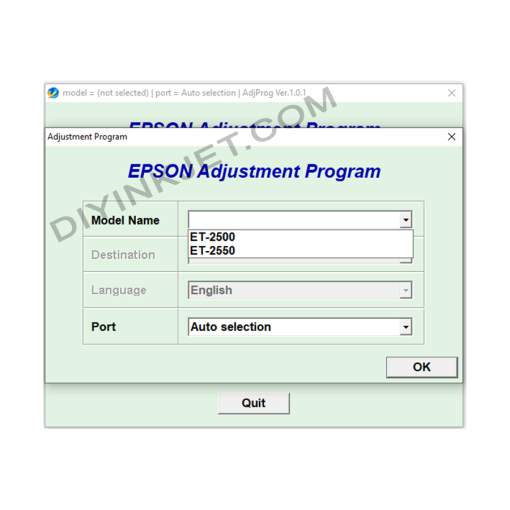
Epson Adjustment Program
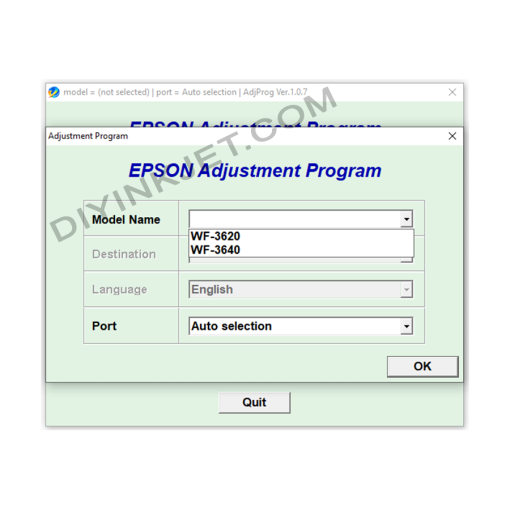
Epson Adjustment Program
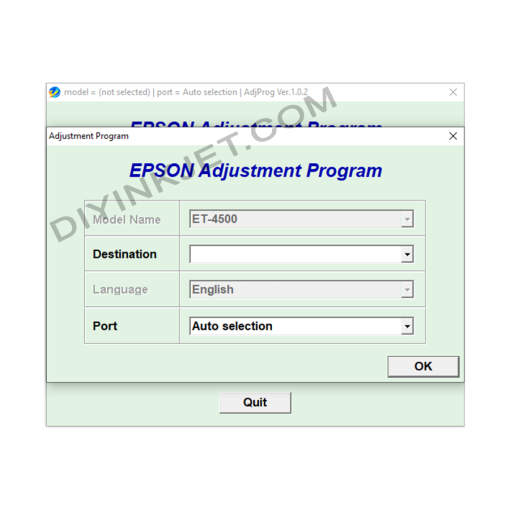
Epson Adjustment Program
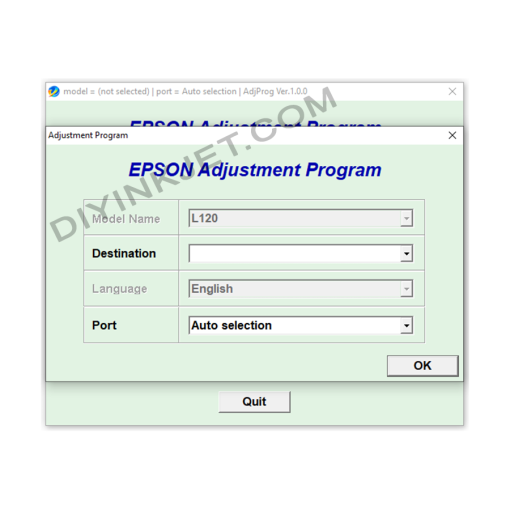
Epson Adjustment Program