
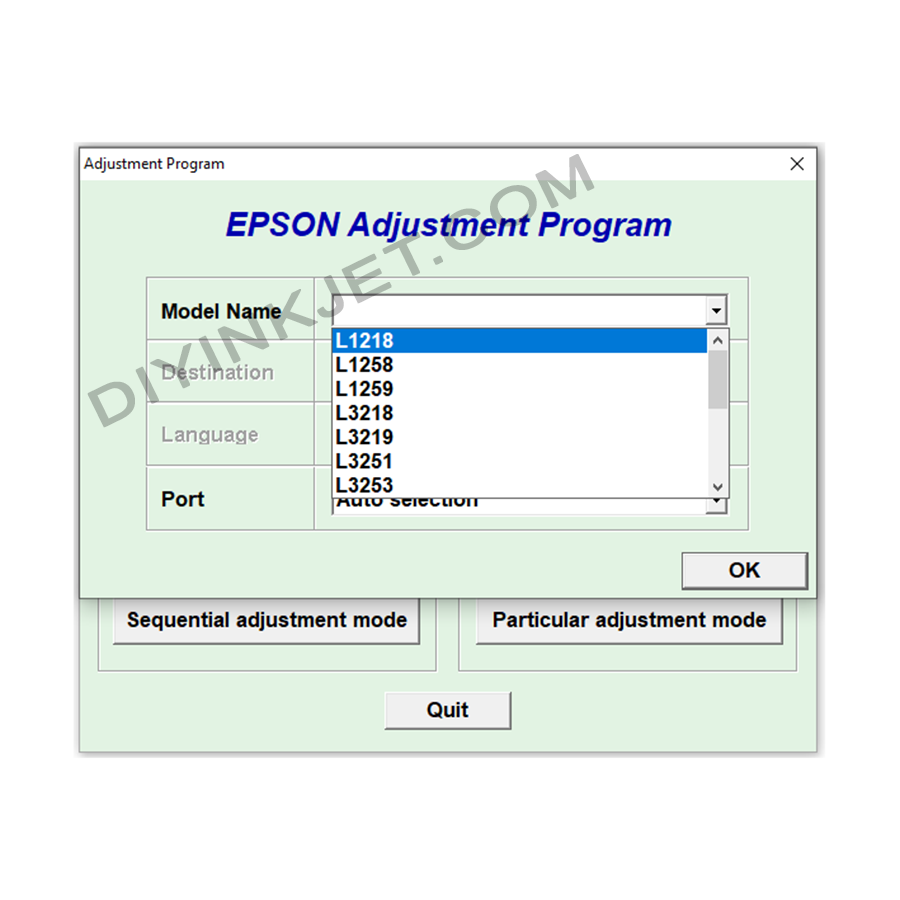
Epson L1215 L1258 L1259 L3218 L3219 L3251 L3253 Adjustment Program
Original price was: 8 $.5 $Current price is: 5 $.
Solving Epson L1215, L1258, L1259, L3218, L3219, L3251, L3253 Printer Errors with Adjustment Program Software.
Are you using an Epson L1215, L1258, L1259, L3218, L3219, L3251, or L3253 printer and suddenly getting a “Service Required” or “Ink Pad is at the end of its service life” error message? Don’t worry, this is a common issue with Epson inkjet printers, and the solution often involves using the Adjustment Program software.
What is an Adjustment Program?
The Adjustment Program (also known as resetter software or service program) is a specialized software tool primarily used by Epson’s authorized service centers. Its main purpose is to perform deeper maintenance and troubleshooting tasks that are not available through the standard printer driver.
For Epson L1215, L1258, L1259, L3218, L3219, L3251, L3253 printers, the most crucial function of the Adjustment Program is to reset the waste ink pad counter. Every Epson printer has an internal counter that tracks the amount of waste ink directed to the waste ink pad. Once this counter reaches a predefined limit, the printer automatically locks up to prevent waste ink from overflowing, which could damage the machine. This is why you see the service required error message.
Why do you need this software?
- Reset Waste Ink Counter: This is the most critical function, allowing your printer to resume operation after indicating a full waste ink pad error.
- Perform In-depth Maintenance: Beyond resetting the counter, the software also helps calibrate print heads, adjust print quality, and perform other maintenance tasks to ensure stable and optimal printer performance.
Important Usage Notes
- Compatibility: Ensure you download the correct version of the Adjustment Program that is compatible with your specific printer model (L1215, L1258, L1259, L3218, L3219, L3251, L3253). Using the wrong version can lead to errors or damage your printer.
- Source: Since this software is not officially distributed to end-users, you need to find it from reliable sources. Be cautious of unknown websites to avoid downloading software containing malware.
- Physical Waste Ink Pad: Resetting the counter is only a temporary solution. The physical waste ink pad is still full. To ensure the longevity of your printer and prevent the risk of ink overflow, you should consider cleaning or replacing the waste ink pad after resetting the counter.
- Disable Antivirus Software: Sometimes, you might need to temporarily disable your computer’s antivirus software to run the Adjustment Program, as some antivirus programs might falsely identify it as a threat.
Properly using the Adjustment Program software can save you repair costs and time, getting your Epson printer back to normal operation quickly.
Related products
Epson Adjustment Program
Epson WF-2010 WF-2510 WF-2520 WF-2530 WF-2540 Adjustment Program
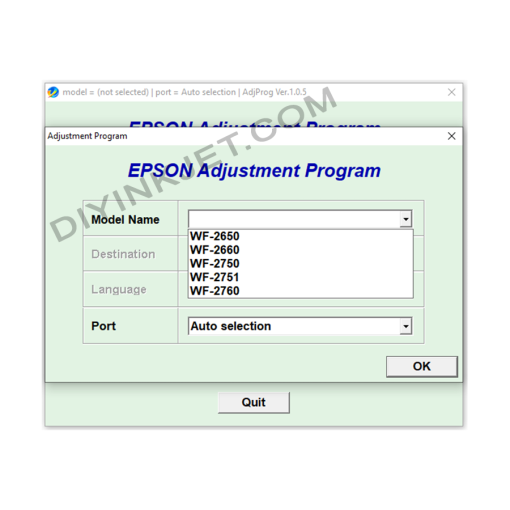
Epson Adjustment Program
Epson WF-2650 WF-2660 WF-2750 WF-2751 WF-2760 Adjustment Program
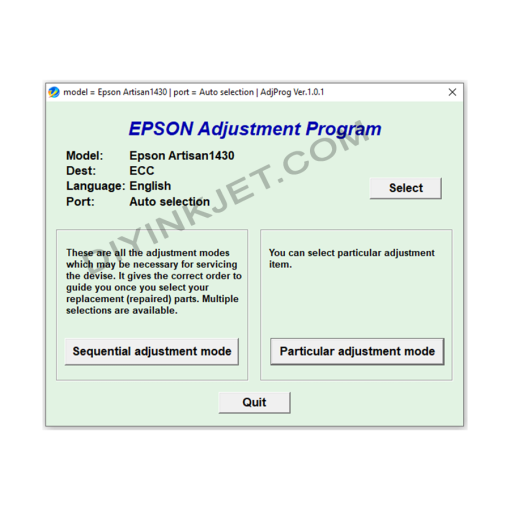
Epson Adjustment Program
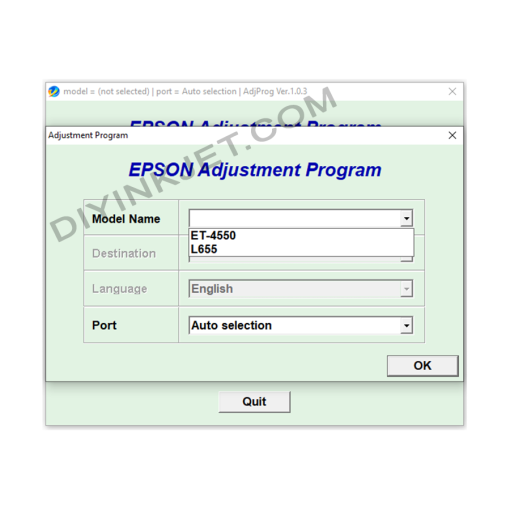
Epson Adjustment Program
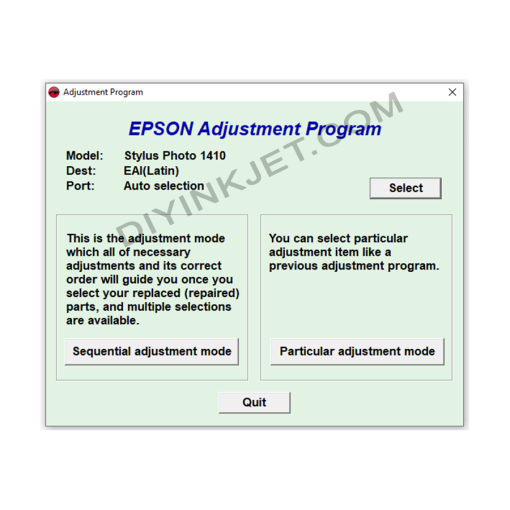
Epson Adjustment Program
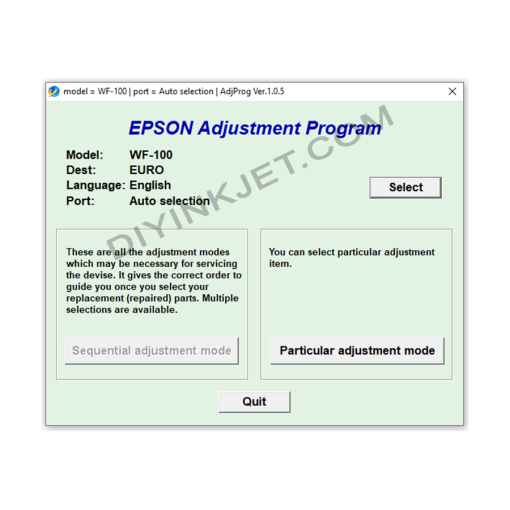
Epson Adjustment Program
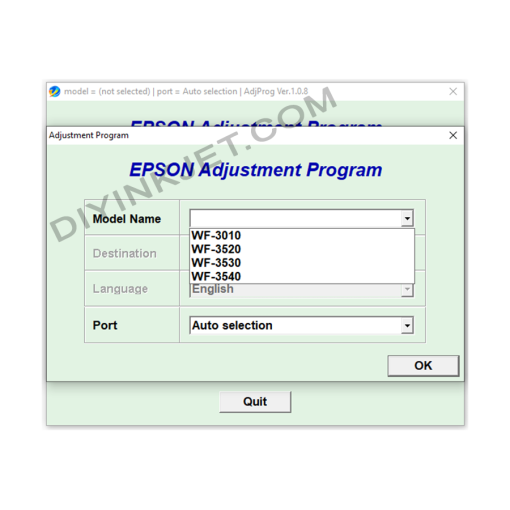
Epson Adjustment Program
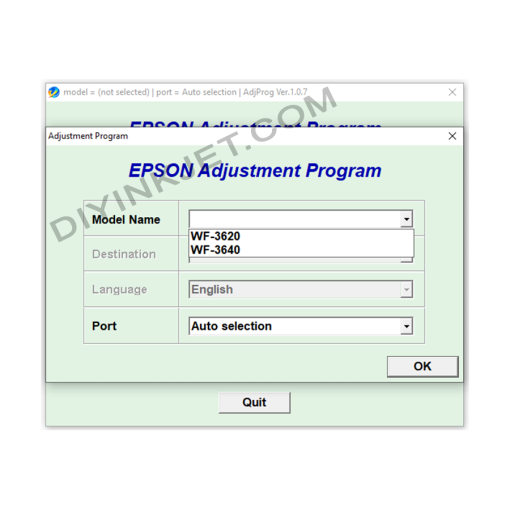
Epson Adjustment Program