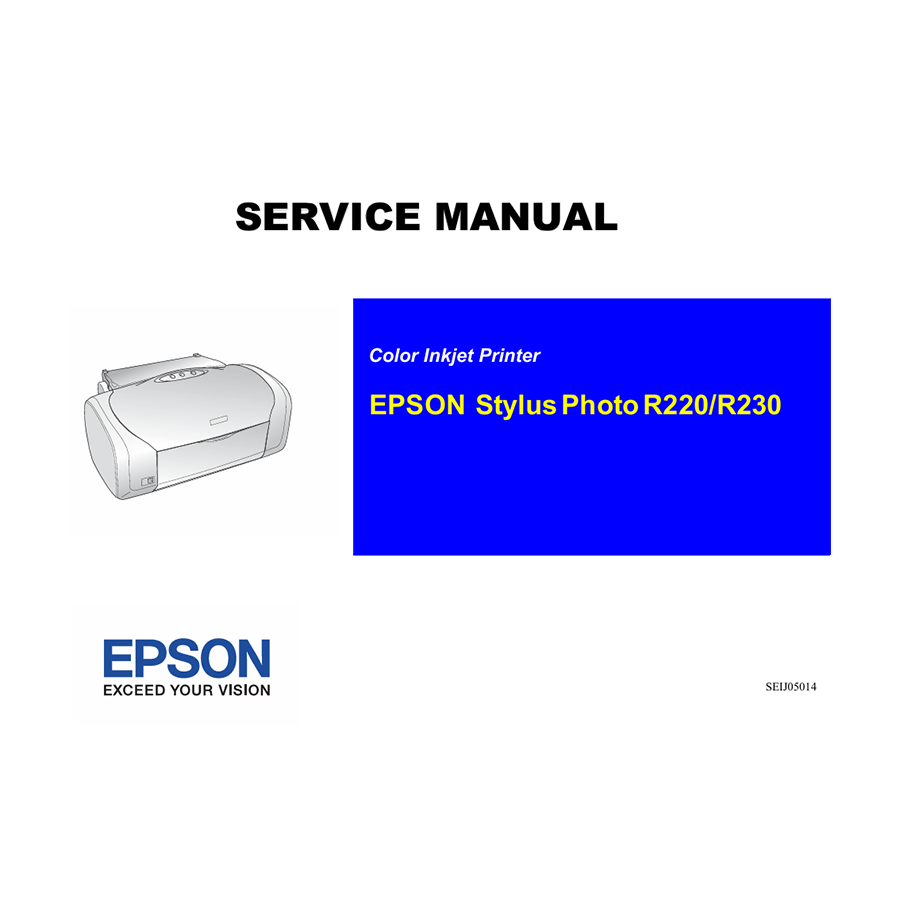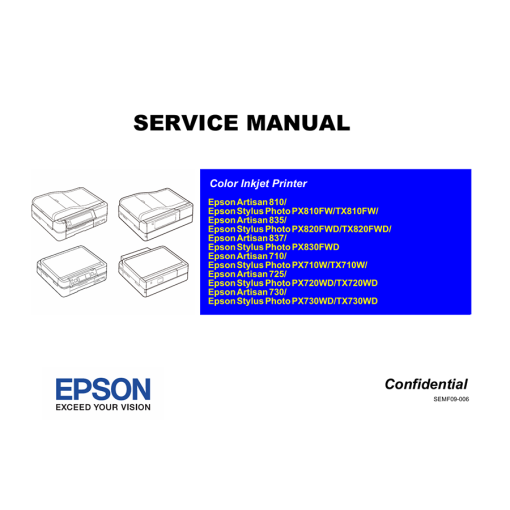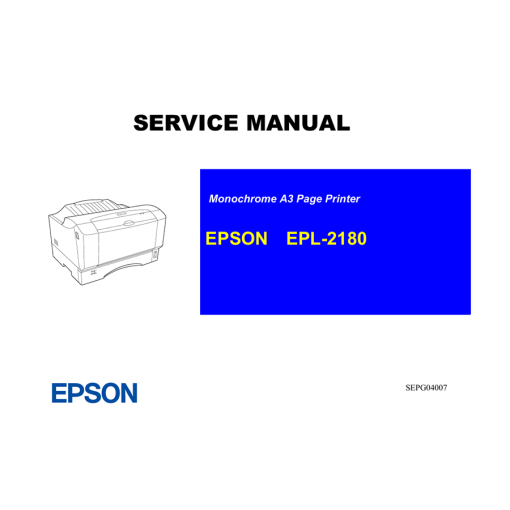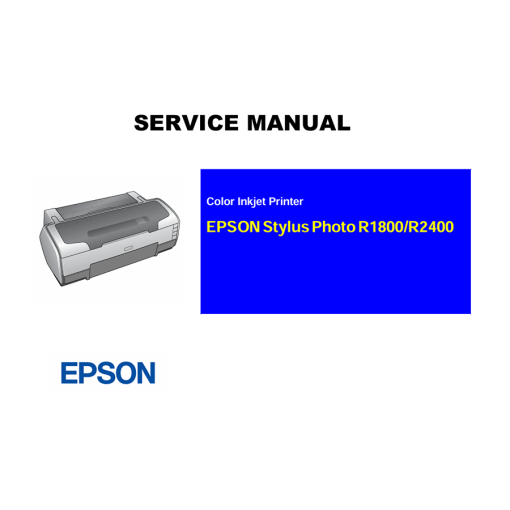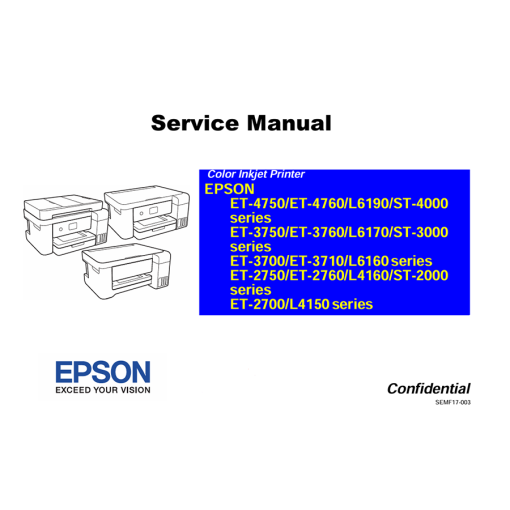
The Epson Stylus Photo R220 and R230 are well-known inkjet printers, particularly favored for photo printing. While robust in their time, like any electronic device, they can develop issues as they age or with heavy use. For anyone needing to perform detailed maintenance, troubleshoot complex problems, or replace internal components, the Epson Service Manual for these models is an invaluable resource.
Why This “Epson Service Manual” is Your Essential Repair Guide
Unlike the simple user guide that comes with your printer, a service manual is a highly technical document created for trained service technicians. It provides an in-depth look at the printer’s entire architecture, from its mechanical parts to its intricate electronic circuits and software functions. Having this manual will empower you with the knowledge to:
- Accurately Diagnose Errors: The manual contains an exhaustive list of error codes that your R220/R230 printer might display (often via LED indications on the control panel or messages from Status Monitor 3 on your PC). Each code is accompanied by a detailed explanation of its root cause and step-by-step troubleshooting procedures. This helps you quickly pinpoint the precise problem, reducing guesswork.
- Execute Detailed Disassembly and Reassembly: Whether you’re replacing the printhead, servicing the ink pump/cleaning unit, clearing a stubborn paper jam, or working with any other internal component, the manual provides meticulously detailed, illustrated instructions. You’ll find guidance for safely and correctly:
- Removing and reattaching various housing assemblies.
- Accessing and servicing the ink system assembly (including the pump and waste ink pads).
- Working with the paper feed unit (pickup assembly) and rollers.
- Removing and replacing critical electronic components like the main board and motors (e.g., CR Motor, PF Motor).
- Handling sensitive parts such as sensors (e.g., PE Sensor, PG Sensor, CDR Sensor).
- Understand System Schematics and Exploded Views: This manual is rich with technical diagrams, including electrical schematics that illustrate the printer’s internal wiring and circuitry, and mechanical diagrams that show how physical parts fit together. Exploded views are particularly useful, providing a visual breakdown of components and their correct assembly order.
- Perform Professional Adjustments and Calibrations: After replacing parts or if you notice any print quality degradation (like banding, color shifts, or misalignments), the manual outlines precise adjustment and calibration procedures. Following these manufacturer-recommended steps ensures your printer operates at its optimal performance and consistently produces high-quality prints. This includes procedures for things like printhead alignment.
- Implement Preventive Maintenance: To extend the lifespan and maintain the reliability of your printer, the manual often includes recommended cleaning schedules and procedures for various internal components, including lubrication points. Adhering to these guidelines can significantly prevent future issues and save on costly repairs.
- Access Comprehensive Parts Lists: If a component needs replacing, the service manual typically includes a detailed parts list with official part numbers. This is essential for ensuring you can order the exact, compatible replacement part.

Epson WF-2650 WF-2660 WF-2750 WF-2751 WF-2760 Adjustment Program
Epson Service Manual: The Definitive English Repair Guide for Your Epson EPL-9000 Laser Printer
Epson ET-4550 L655 Adjustment Program
Epson WF-4515 WF-4525 WF-4535 WF-4545 WF-4595 Adjustment Program
Epson WF-2630 Adjustment Program
Epson WF-6090 WF-6590 Adjustment Program
Epson WF-3620 WF-3640 Adjustment Program
Epson Service Manual: Your Expert Guide to Repairing the Epson WorkForce Pro WF-3720 Inkjet Printer
Epson WF-4630 WF-4640 WF-5110 WF-5190 WF-5620 WF-5690 Adjustment Program
Epson ET-2500 ET-2550 Adjustment Program
Epson L455 L456 Adjustment Program
Epson Service Manual: The Ultimate Guide for DIY Printer Repair (Epson 7400, 7800, 9400, 9800 Series)
Epson L110 L210 L300 L350 L355 L550 L555 Adjustment Program
Epson WF-3010 WF-3520 WF-3530 WF-3540 Adjustment Program
Epson Service Manual: The Definitive Repair & Calibration Guide for Your Epson EcoTank L1800 A3+ Photo Inkjet Printer