-
×
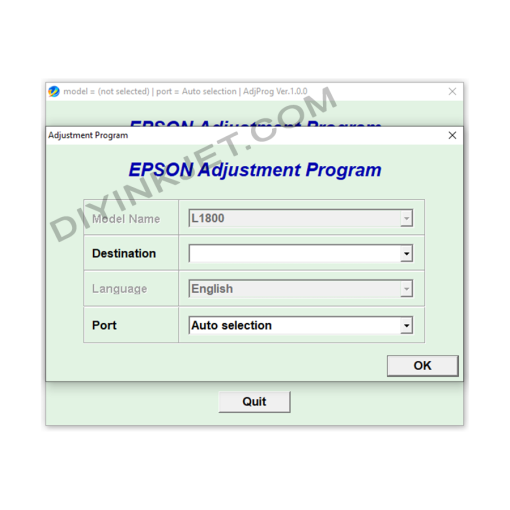 Epson L1800 Adjustment Program
1 × 5 $
Epson L1800 Adjustment Program
1 × 5 $
Subtotal: 5 $
Original price was: 8 $.5 $Current price is: 5 $.
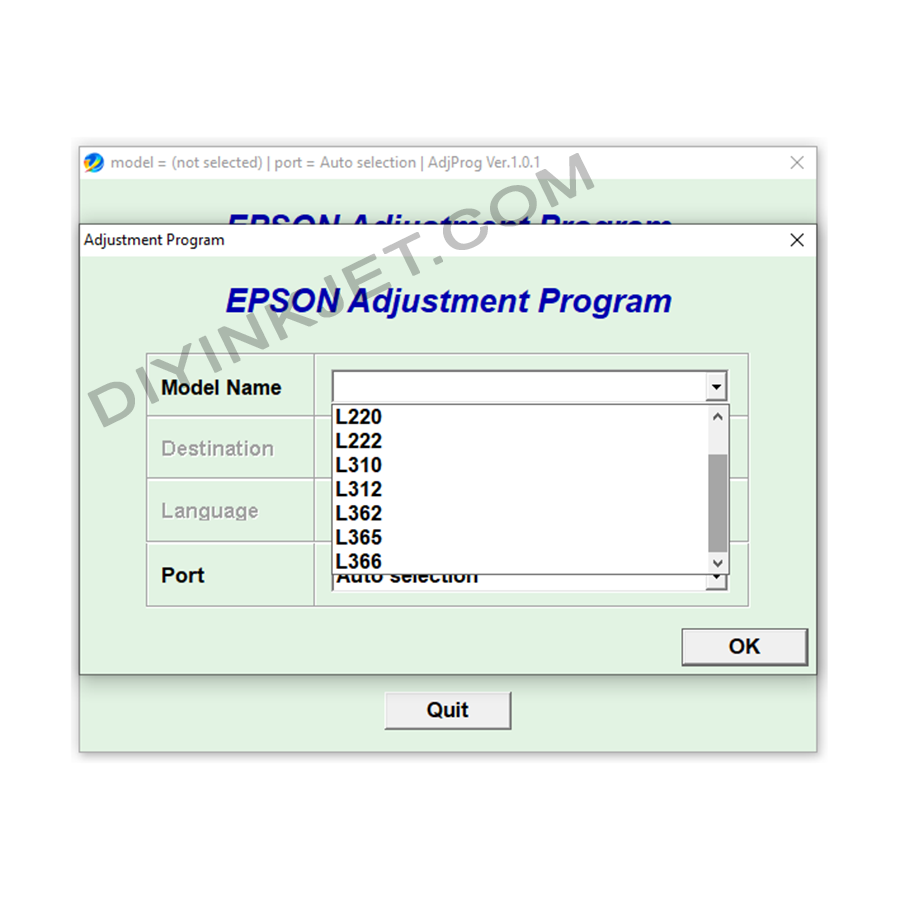
Download the Epson L130, L132, L220, L222, L310, L312, L362, L365, L366 Adjustment Program to reset waste ink counters, fix “Service Required” errors, and provide various other functions. and troubleshoot common printing issues. Self-service your Ink Tank printer at home!
Compatible Epson Model: Epson L130, L132, L220, L222, L310, L312, L362, L365, L366
Compatible OS: Windows
The Epson L130, L132, L220, L222, L310, L312, L362, L365, and L366 series are popular Ink Tank printers, favored for their economical printing and durability. However, after a period of use, they may encounter some issues, especially the “Service Required” error or blinking lights, indicating that the waste ink counter is full. To resolve this, you need the Epson L130, L132, L220, L222, L310, L312, L362, L365, L366 Adjustment Program.
Epson inkjet printers use a waste ink pad to collect excess ink during print head cleaning and maintenance cycles. To prevent ink overflow, the printer has a counter to track the amount of waste ink. When this counter reaches its limit, the printer will stop working and display a “Service Required” error or blink lights.
The Epson L130, L132, L220, L222, L310, L312, L362, L365, L366 Adjustment Program is a specialized service software that allows you to access advanced maintenance functions of your printer. With this software, you can:
Download the Epson L130, L132, L220, L222, L310, L312, L362, L365, 366 Adjustment Program now to troubleshoot issues yourself and keep your printer running at its best!
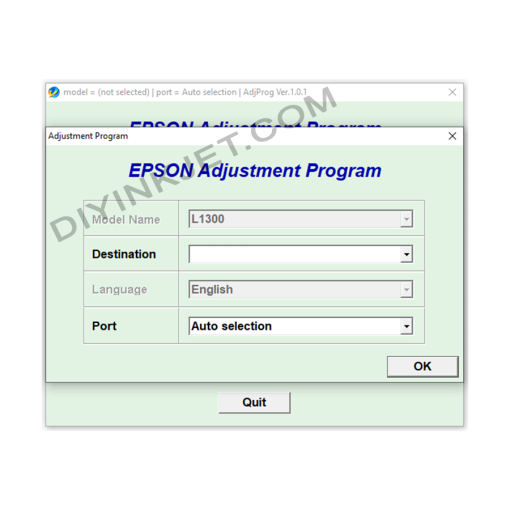
Epson Adjustment Program
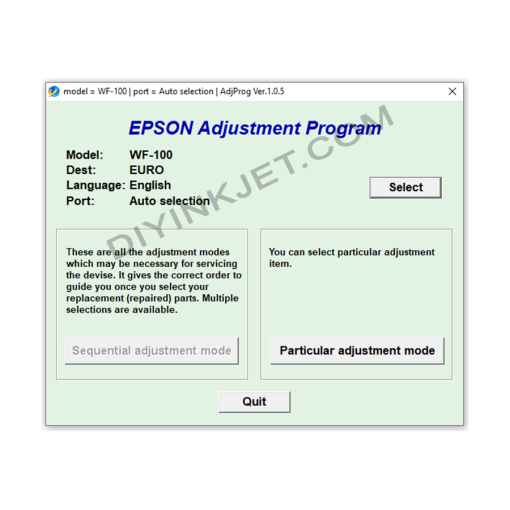
Epson Adjustment Program
Epson Adjustment Program
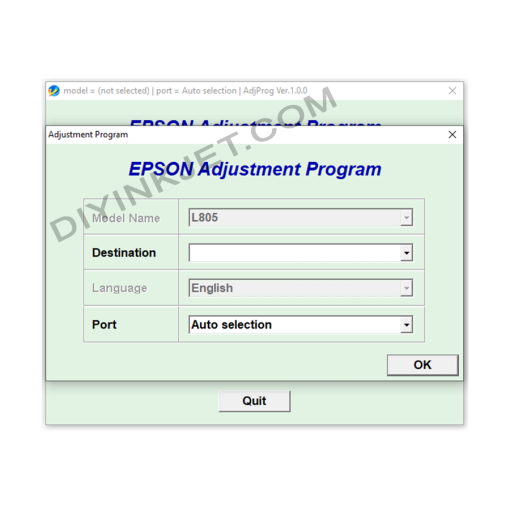
Epson Adjustment Program
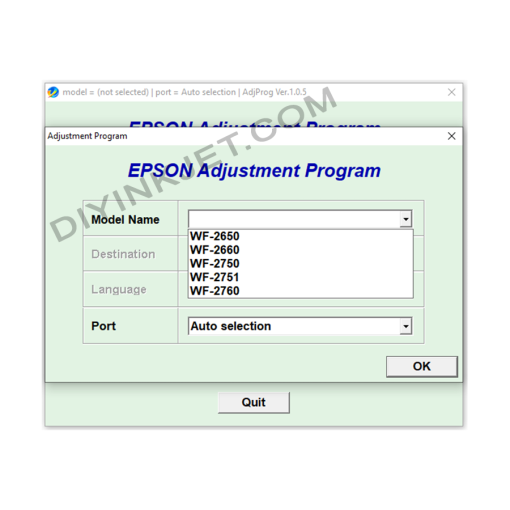
Epson Adjustment Program
Epson WF-2650 WF-2660 WF-2750 WF-2751 WF-2760 Adjustment Program
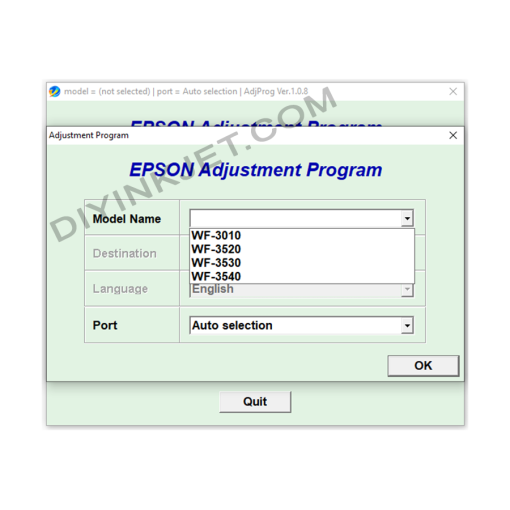
Epson Adjustment Program
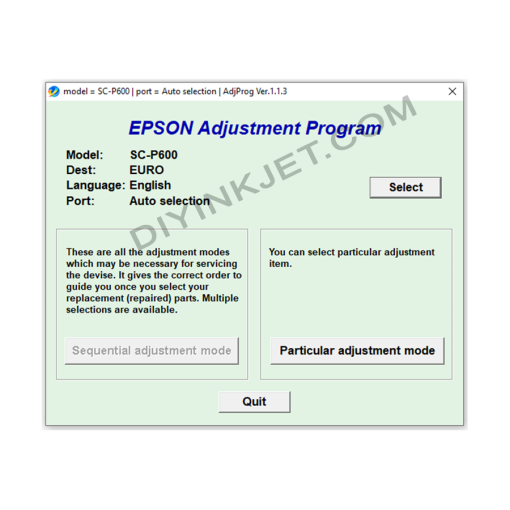
Epson Adjustment Program
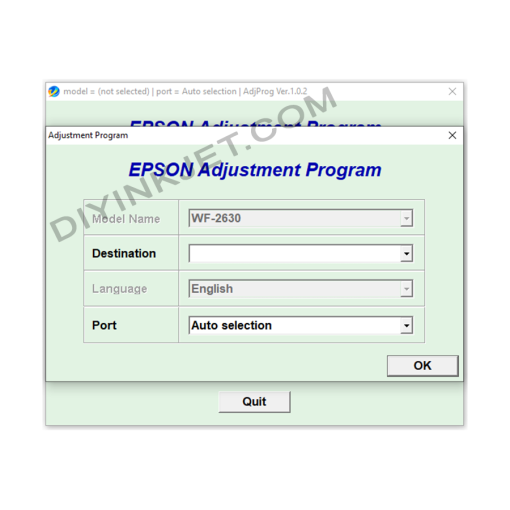
Epson Adjustment Program