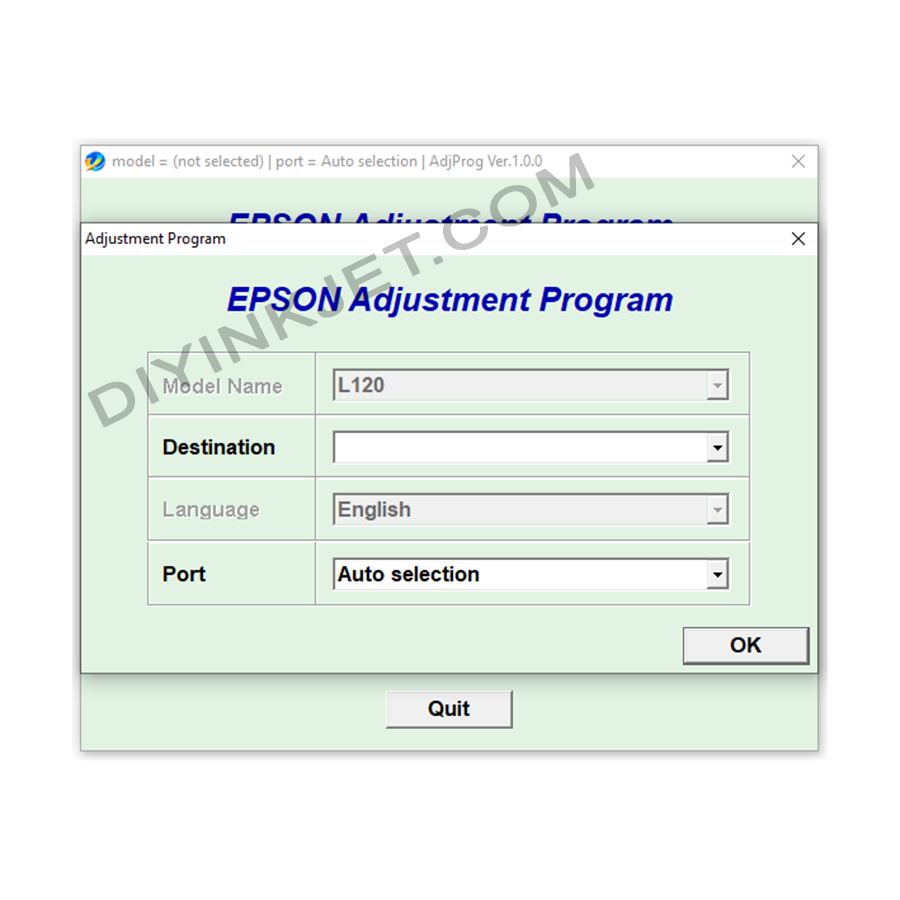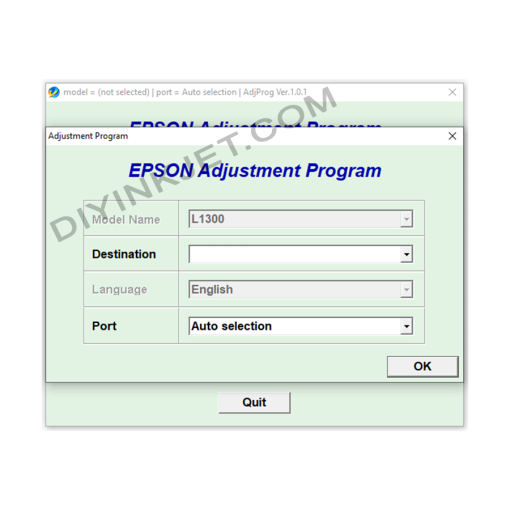
The Epson L120 printer has become a favorite choice for many individual users and small offices in Vietnam due to its compact design, extremely cost-effective printing, and reliable durability. However, like all other Epson inkjet printers, after a certain period of use, your L120 might suddenly stop working and display a “Service Required” error message or have two indicator lights (ink and paper) blinking alternately on the control panel. This indicates that the waste ink counter is full, and you need the Epson L120 Adjustment Program to resolve it.
Why Does My Epson L120 Printer Show “Service Required” (Blinking Lights)?
Every Epson inkjet printer is designed with a waste ink management system, which includes absorbent pads (waste ink pads) located at the bottom of the printer. This ink is generated during print head cleaning cycles or when the printer performs maintenance routines. To prevent waste ink from overflowing, which could damage internal components or lead to unsanitary conditions, Epson incorporates a counter into the printer’s firmware. When this counter reaches its pre-programmed limit, the printer automatically locks up for protection and requires the user to perform maintenance.
Common signs of this error on the Epson L120 include:
- An error message “A printer’s ink pad is at the end of its service life. Please contact Epson support.” on your computer screen.
- The Ink and Paper indicator lights on the printer blinking alternately or simultaneously.
- The printer refusing to execute any print commands, even though it’s powered on.
Epson L120 Adjustment Program: Your Effective Troubleshooting Tool
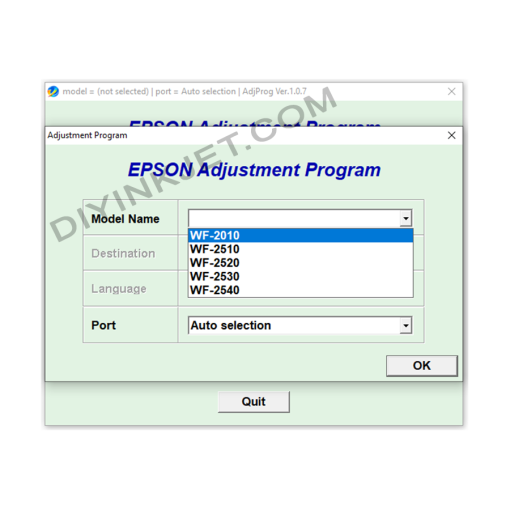
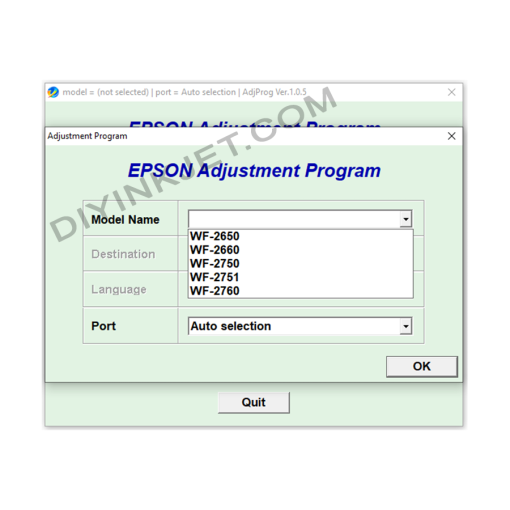
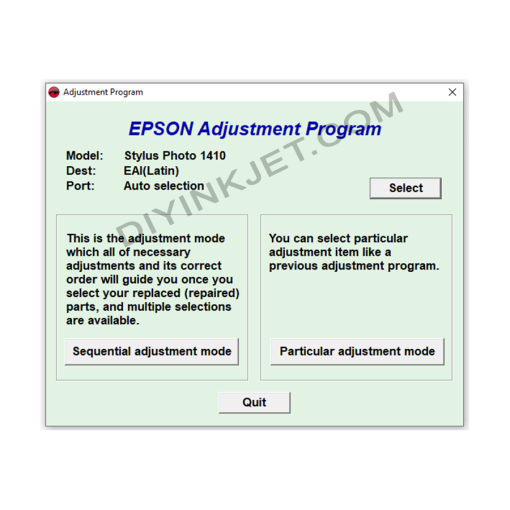
The Epson L120 Adjustment Program is a specialized service software that allows you to access and adjust the technical parameters of your printer. This is an essential tool for you to troubleshoot the “Service Required” error and many other printing issues yourself without needing to take the printer to a repair shop, saving significant time and money.
The main functions of the software include:
- Waste Ink Pad Counter Reset: The core and most important function, which resets the waste ink counter to “0%” (new) status, thereby clearing the “Service Required” error and allowing the printer to resume operation immediately.
- Powerful Head Cleaning: Performs more intense cleaning cycles than standard driver options, which is very useful when print heads are severely clogged, causing streaks, missing lines, or faded colors in your prints.
- Print Head Alignment: Realigns the positions of the ink nozzles to ensure sharp, precise prints without misalignments or blurring, especially after moving the printer or replacing components.
- Nozzle Check Pattern Printing: Prints a special pattern to help you easily check if all ink nozzles are firing correctly, allowing for quick diagnosis of print quality issues.
- Printer Information Check: Displays detailed information about the printer’s operational parameters, including the number of pages printed, estimated ink levels, and logged error history.
Benefits of Using the Adjustment Program for Epson L120
- Cost Savings: Fix errors yourself at home, avoiding unnecessary repair and maintenance fees.
- Quick & Convenient: Resolve the “Service Required” issue immediately, ensuring no interruption to your work or studies.
- Extended Printer Lifespan: By proactively performing maintenance and timely error resolution, you can significantly prolong the performance and lifespan of your Epson L120 printer.
- Maintain Optimal Print Quality: Head cleaning and alignment functions help ensure your prints consistently achieve the best possible quality.
Important Notes for Download and Usage
- Correct Software Version: Always ensure you download and use the specific Adjustment Program version designed for your Epson L120 printer. Using incompatible software can lead to serious errors or permanent damage to the printer.
- Stable USB Connection: The printer must be connected directly to your computer via a USB cable and powered on throughout the software’s operation. Avoid using Wi-Fi or network connections to ensure stable communication.
- Consider Waste Ink Pad Replacement/Cleaning: Resetting the counter only addresses the software aspect. The physical waste ink pads inside the printer will still be full of ink. To prevent future ink leaks and ensure hygiene, you should consider cleaning or replacing these pads (if you can do it yourself or with the help of a professional technician).
- Temporarily Disable Antivirus Software: Some antivirus programs might incorrectly identify the Adjustment Program as a threat (false positive). You may need to temporarily disable them for the software to run smoothly without being blocked.
Download the Epson L120 Adjustment Program Now!
Don’t let “Service Required” errors disrupt your printing tasks. Download the Epson L120 Adjustment Program today to confidently troubleshoot issues, restore functionality, and keep your Epson L120 printer running smoothly and efficiently!
Epson L565 L566 Adjustment Program
Epson Service Manual: Your Expert Guide to Repairing the Epson WorkForce Pro WF-3720 Inkjet Printer
Epson Service Manual: Unlock Repair Potential for Your Epson EcoTank L565 & L566 Multifunction Printers
Epson L1300 Adjustment Program
Epson L800 Adjustment Program
Epson ET-4550 L655 Adjustment Program
Epson WF-4515 WF-4525 WF-4535 WF-4545 WF-4595 Adjustment Program
Epson Service Manual: The Essential English Repair Guide for Your Epson EPL-5800L / EPL5800Li_A Laser Printer
Epson Service Manual: The Definitive English Repair Guide for Your Epson EPL-9000 Laser Printer
Epson Service Manual: The Master Guide for Your Epson EcoTank L8500, L8550, L8160, L8180 Series Photo Inkjet Printers
Epson Service Manual: The Definitive Guide for Your Epson Stylus Photo R1900 & R2880 A3+ Printers
Advanced Repairs with the Epson L800 Service Manual
Epson ET-4500 Adjustment Program
Epson L120 Adjustment Program
Epson WF-3010 WF-3520 WF-3530 WF-3540 Adjustment Program
Epson WF-7110 WF-7610 WF-7620 Adjustment Program
Elevate Your Repair Capabilities with the Epson T3280, T5280, T7280, T3000, T5000, T7000 Plotter English Service Manual
Epson Service Manual: The Essential Repair Companion for Your Epson EPL-N2180 Laser Printer
Epson Service Manual: The Ultimate Guide for DIY Plotter Repair (Epson 11880, 11880C Plotters)
Epson WF-6090 WF-6590 Adjustment Program
Epson WF-2010 WF-2510 WF-2520 WF-2530 WF-2540 Adjustment Program
Epson WF-2630 Adjustment Program
Elevate Your Repair Capabilities with the Epson WF 6590, 6530, 6090 Series Inkjet Printer English Service Manual