
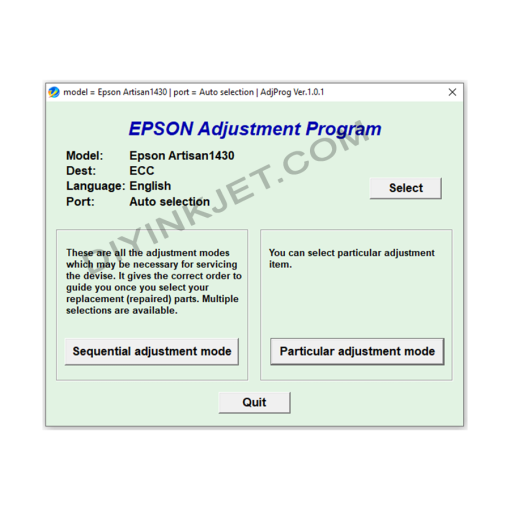
 Epson Stylus Photo 1430 Adjustment Program
 Subtotal: 5 $
Sale!
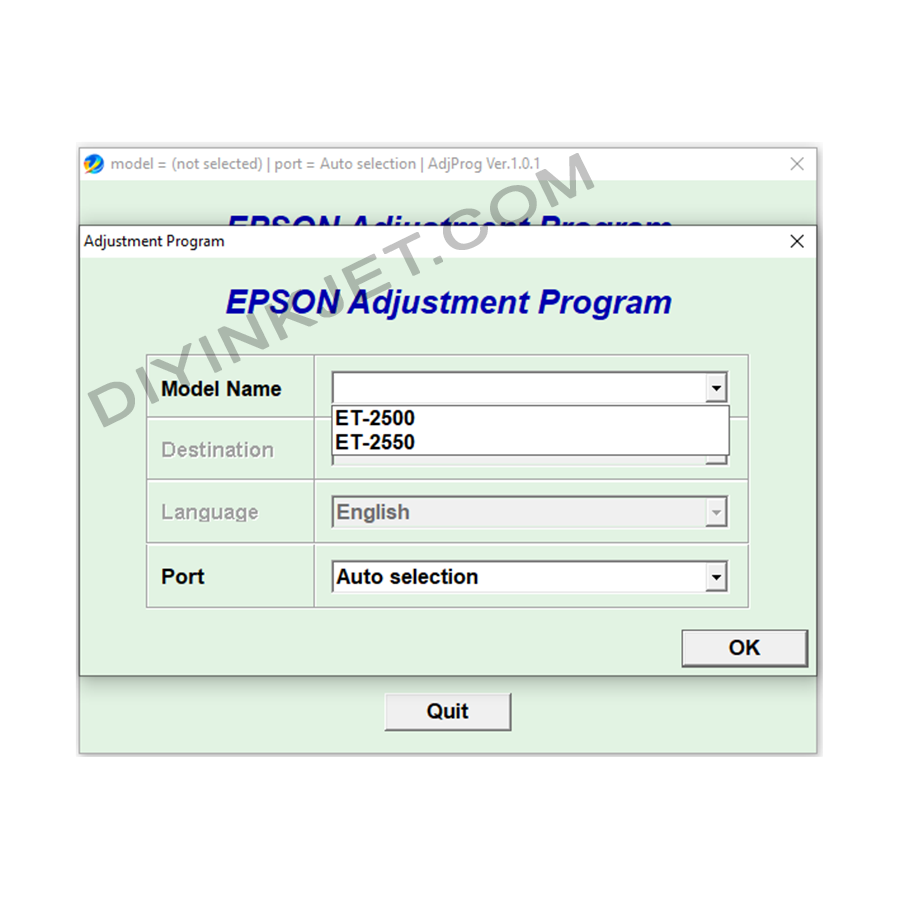
Epson ET-2500 ET-2550 Adjustment Program
Original price was: 8 $.5 $Current price is: 5 $.
Download Epson ET-2500 ET-2550 Adjustment Program to reset waste ink counters, fix “Service Required” errors, and resolve common printing issues. Self-service your EcoTank printer at home!
Compatible Epson Model: Epson EcoTank ET-2500, Epson EcoTank ET-2550
Compatible OS: Windows
Epson EcoTank ET-2500 and ET-2550 printers are popular choices due to their continuous ink supply system, which helps save on printing costs. However, like other inkjet printers, after a period of use, they may encounter some common errors, especially the “Service Required” or “Ink Pad is at the end of its service life” error. This is when you need the Epson ET-2500 ET-2550 Adjustment Program.
Why Does My Epson ET-2500 ET-2550 Show “Service Required”?
This error appears when the printer’s Waste Ink Pad Counter reaches its predefined limit. Waste ink is generated during print head cleaning cycles or other maintenance routines. The internal waste ink pads absorb this ink. When the counter indicates full, the printer stops operating to prevent ink overflow, which could cause serious damage.
What is the Epson ET-2500 ET-2550 Adjustment Program?
The Epson ET-2500 ET-2550 Adjustment Program is a specialized service utility that allows you to access advanced maintenance functions of your printer. It’s not a regular driver but a powerful tool that helps you:
- Reset Waste Ink Counter: The most critical function, it resets the counter to zero, immediately resolving the “Service Required” error and allowing your printer to resume operation.
- Powerful Head Cleaning: Performs more vigorous cleaning cycles than the standard driver function, useful when print heads are severely clogged, causing streaks or missing colors in prints.
- Check Printer Status: View detailed information about print count, ink levels, and recorded errors.
- Print Head Alignment: Realigns the print head to ensure sharp, precise print quality without misalignments.
- Nozzle Check Pattern Printing: Helps identify if any nozzles are clogged.
Benefits of Using the Adjustment Program for ET-2500 ET-2550
- Cost Savings: Fix the “Service Required” error yourself at home without needing to take the printer to a service center, saving on repair costs.
- Quick & Convenient: Resolve issues immediately, minimizing interruption to your printing tasks.
- Extends Printer Lifespan: Performing regular maintenance helps your printer operate stably and last longer.
- Maintains Print Quality: Head cleaning and alignment functions ensure your prints are always sharp and accurate.
Important Notes for Use
- Correct Version: Always ensure you use the correct version of the Adjustment Program compatible with your Epson ET-2500 or ET-2550 printer model. Using the wrong version can cause errors or damage to the printer.
- Stable Connection: Ensure the printer is connected to your computer via a USB cable and powered on throughout the software usage.
- Waste Ink Caution: After resetting the counter, the actual waste ink pads are still full of ink. For safety and cleanliness, you should consider replacing or cleaning these pads if possible to prevent future ink overflow.
Download the Epson ET-2500 ET-2550 Adjustment Program Now!
Don’t let the “Service Required” error interrupt your work. Download the Epson ET-2500 ET-2550 Adjustment Program now to troubleshoot common issues yourself and keep your printer running efficiently!
Related products
Sale!
Epson Adjustment Program
Original price was: 8 $.5 $Current price is: 5 $.
Sale!
Epson Adjustment Program
Original price was: 8 $.5 $Current price is: 5 $.
Sale!
Epson Adjustment Program
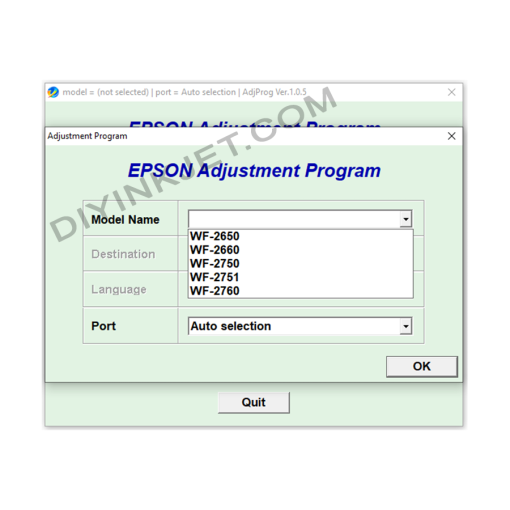
Epson WF-2650 WF-2660 WF-2750 WF-2751 WF-2760 Adjustment Program
Original price was: 8 $.5 $Current price is: 5 $.
Sale!
Epson Adjustment Program
Original price was: 8 $.5 $Current price is: 5 $.
Sale!
Epson Adjustment Program
Original price was: 8 $.5 $Current price is: 5 $.
Sale!
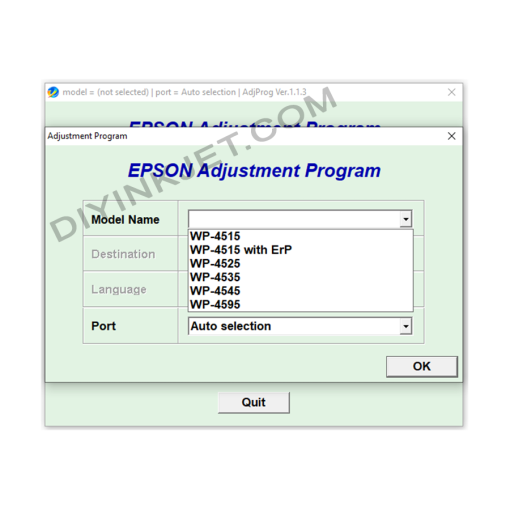
Epson Adjustment Program
Epson WF-4515 WF-4525 WF-4535 WF-4545 WF-4595 Adjustment Program
Original price was: 8 $.5 $Current price is: 5 $.
Sale!
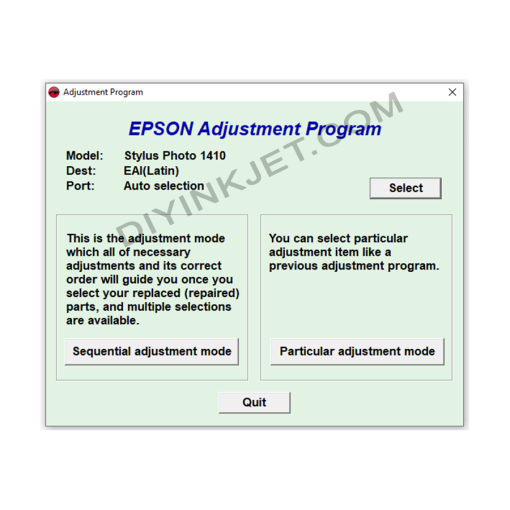
Epson Adjustment Program
Original price was: 8 $.5 $Current price is: 5 $.
Sale!
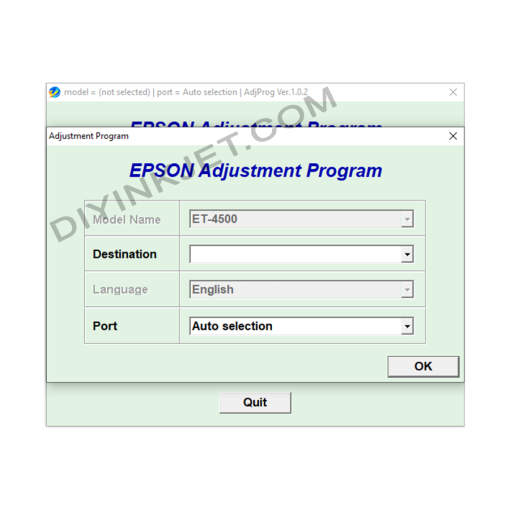
Epson Adjustment Program
Original price was: 8 $.5 $Current price is: 5 $.