-
×
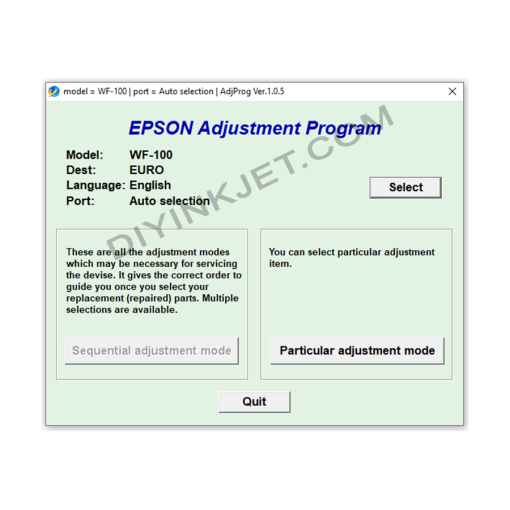 Epson WF-100 Adjustment Program
1 × 5 $
Epson WF-100 Adjustment Program
1 × 5 $
Subtotal: 5 $
Original price was: 8 $.5 $Current price is: 5 $.
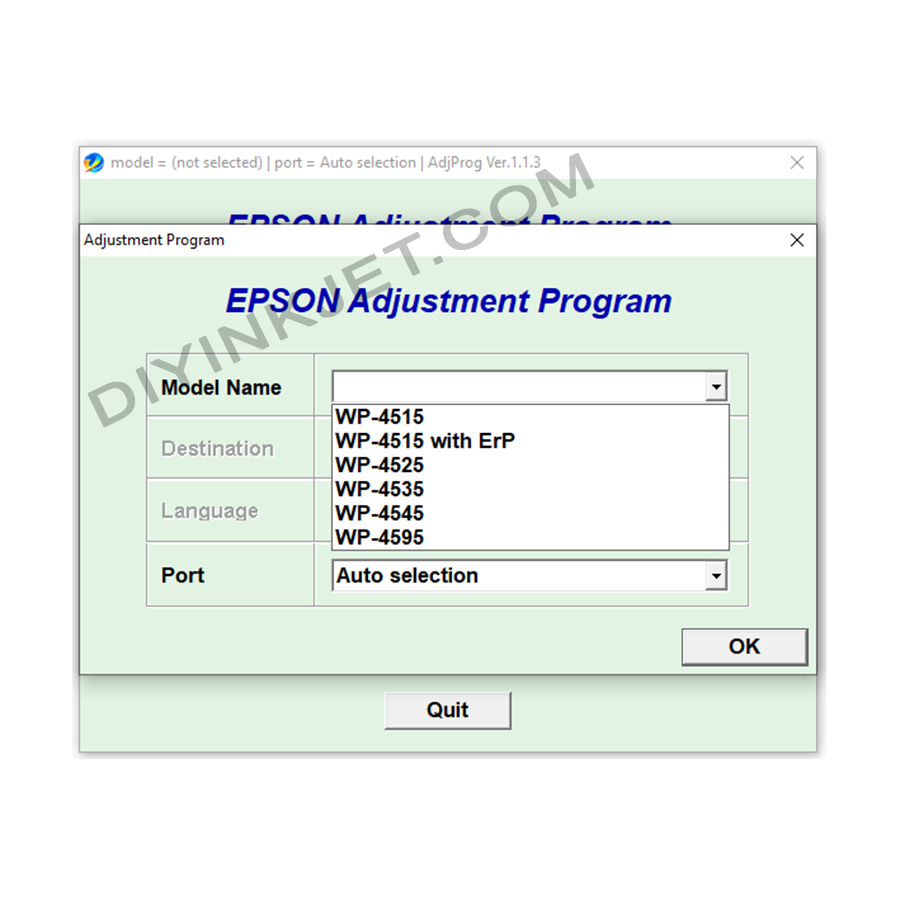
Download the Epson WF-4515, WF-4525, WF-4535, WF-4545, WF-4595 Adjustment Program to reset waste ink counters and maintenance boxes, fix “Service Required” errors, resolve blinking lights, and troubleshoot common printing issues. Restore your Epson WorkForce Pro all-in-one printer at home! and provide various other functions.
Compatible Epson Model: WF-4515, WF-4525, WF-4535, WF-4545, WF-4595
Compatible OS: Windows
The Epson WorkForce WF-4515, WF-4525, WF-4535, WF-4545, and WF-4595 series printers belong to the WorkForce Pro segment, designed for offices with high printing demands and performance requirements. They are notable for their fast print speeds, automatic duplex printing, flexible network connectivity (Wi-Fi, Ethernet), high-capacity automatic document feeders (ADF), and often feature easily replaceable Maintenance Boxes. These features optimize workflows and boost productivity for users.
However, after a significant period of operation and reaching a certain number of prints, like most Epson inkjet printers, these WorkForce Pro models may suddenly cease operation and display a “Service Required” error message or have alternating blinking indicator lights on the control panel. This is a common indication that the waste ink counter is full or the Maintenance Box needs to be reset, and you need the Epson WorkForce WF-4515/WF-4525/WF-4535/WF-4545/WF-4595 Adjustment Program to resolve it.
Every Epson inkjet printer incorporates a waste ink management system. This ink is generated during print head cleaning cycles (to prevent clogs and maintain print quality) or when the printer performs other internal maintenance routines. Higher-end WorkForce Pro models like the WF-45xx typically utilize a Maintenance Box (containing absorbent pads) to conveniently collect this excess ink.
To prevent excessive waste ink accumulation and overflow (which could lead to severe damage to internal components or leakage into the environment), Epson has integrated a counter into the printer’s firmware. When this counter registers that the amount of waste ink has reached its manufacturer-programmed limit, or when the Maintenance Box is reported as full, the printer will automatically lock up for protection and display an error message, prompting the user for service.
Common signs of this error on the Epson WorkForce WF-4515, WF-4525, WF-4535, WF-4545, WF-4595 series include:
The Epson WorkForce WF-4515/WF-4525/WF-4535/WF-4545/WF-4595 Adjustment Program (also known as Resetter) is a specialized service software that allows you to access and adjust the technical parameters of your printer. This is an essential tool for you to troubleshoot the “Service Required” error and many other printing issues yourself without needing to take the printer to a repair shop, significantly saving time and money.
The main functions of the software include:
Don’t let “Service Required” errors disrupt your important printing tasks. Download the Epson WorkForce WF-4515/WF-4525/WF-4535/WF-4545/WF-4595 Adjustment Program today to confidently troubleshoot issues, restore functionality, and keep your Epson WorkForce printer running smoothly and efficiently!
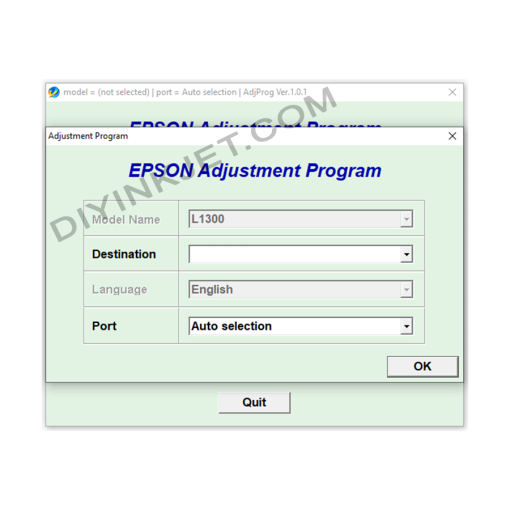
Epson Adjustment Program
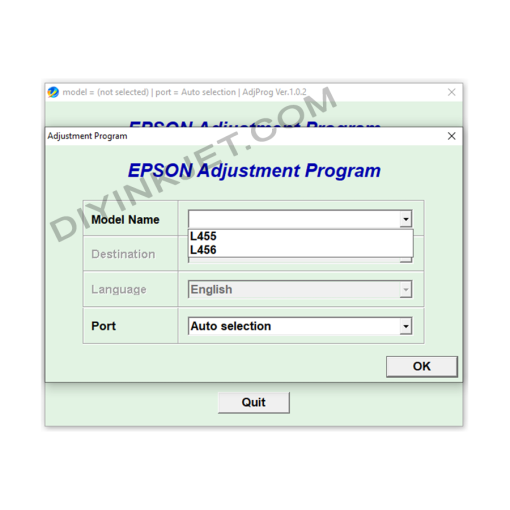
Epson Adjustment Program
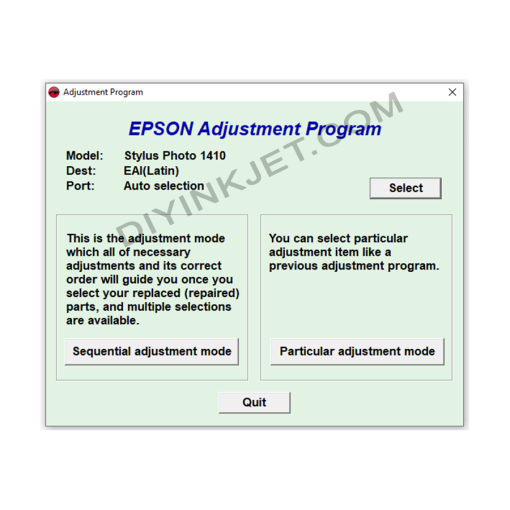
Epson Adjustment Program
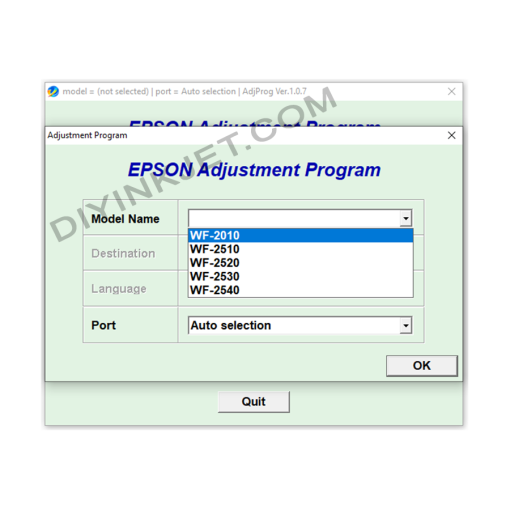
Epson Adjustment Program
Epson WF-2010 WF-2510 WF-2520 WF-2530 WF-2540 Adjustment Program
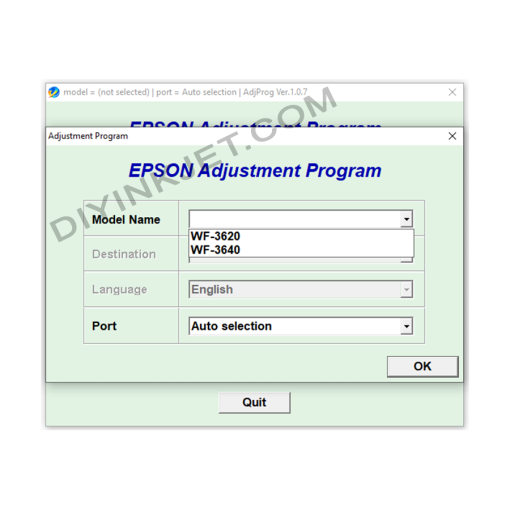
Epson Adjustment Program
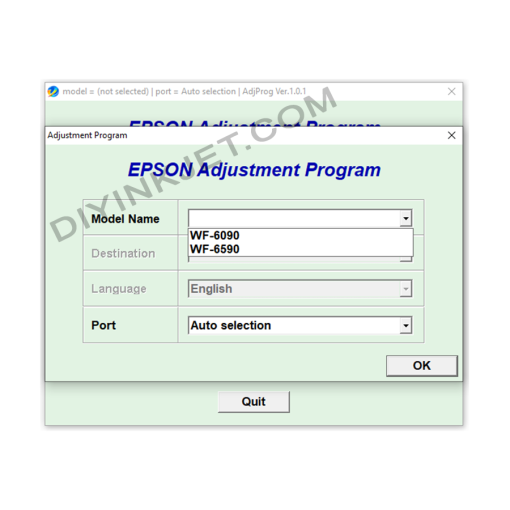
Epson Adjustment Program
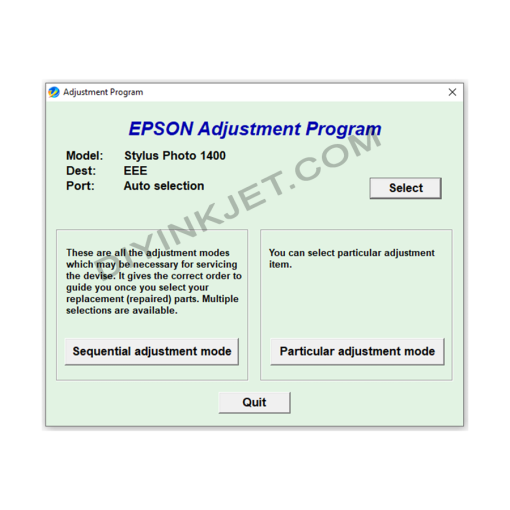
Epson Adjustment Program
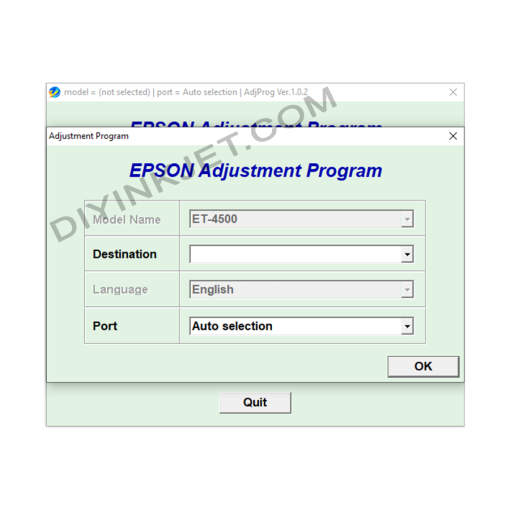
Epson Adjustment Program