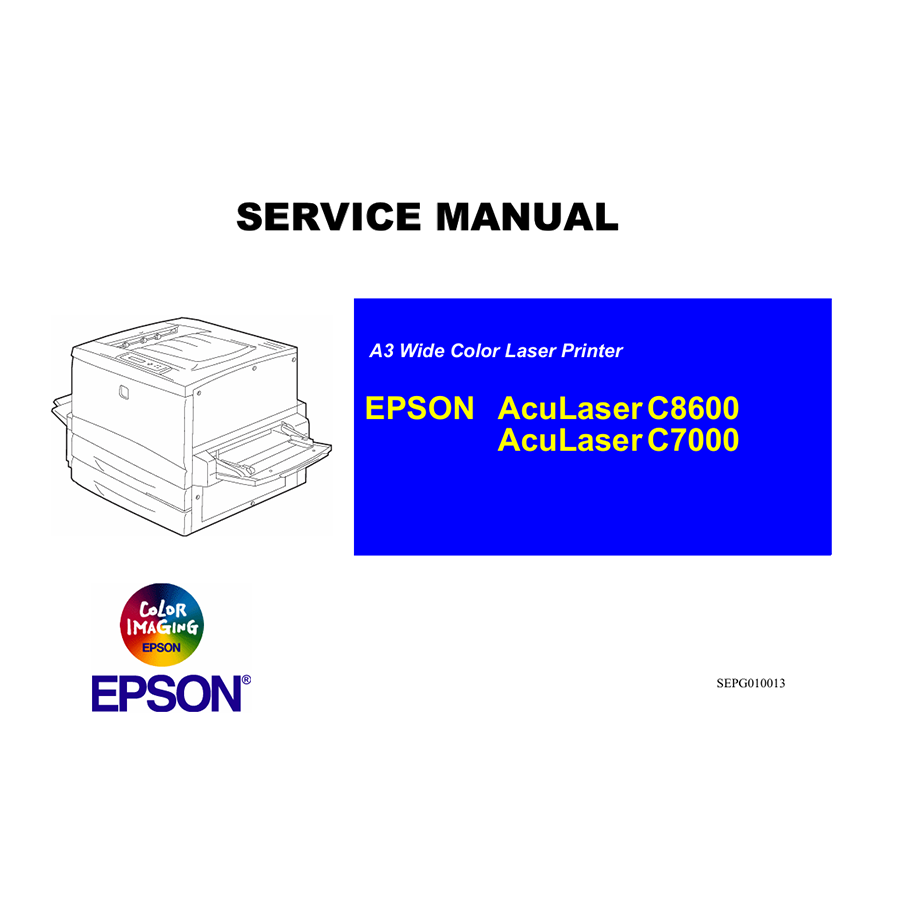
What is an Epson AcuLaser C7000 Service Manual?
The Epson AcuLaser C7000 Service Manual (specifically the ALC8600-C7000_C version, often covering both the C7000 and C8600 series) is Epson’s comprehensive technical documentation. It goes far beyond a user’s guide, providing an in-depth look at every aspect of the printer’s design, operation, and maintenance. This manual is designed for experienced repair technicians, but it’s equally valuable for dedicated DIY enthusiasts who want to master the intricacies of their high-end laser printer.
Essential Contents of the ALC8600-C7000_C Service Manual
This detailed manual is a treasure trove of technical information, vital for keeping your AcuLaser C7000 running smoothly:
- Product Description and Specifications: A thorough overview of the printer’s features, capabilities, and technical specifications.
- Operating Principles: Detailed explanations of the theory behind the electrical and mechanical operations of various printer components, such as the laser scanning unit, fuser, transfer belt, and paper transport system. Understanding these principles is key to effective troubleshooting.
- Safety Information: Critically important warnings and precautions are highlighted due to the high voltage, high temperatures (especially around the fuser), and intricate mechanics of laser printers. Always prioritize safety and follow these guidelines meticulously.
- Disassembly and Assembly Procedures: Step-by-step, illustrated instructions guide you through the correct and safe method for disassembling and reassembling various units and components of the printer. This section is crucial for accessing internal parts for repair or replacement.
- Troubleshooting Guides: Extensive flowcharts and tables help you diagnose problems based on error codes displayed on the printer’s control panel, print quality issues (e.g., lines, spots, uneven density), or unusual machine behavior. This is often the first place to look when an issue arises.
- Error Code List: A comprehensive list of all diagnostic error codes, detailing their meaning and recommended actions for resolution. This is particularly useful for complex electronic faults.
- Adjustment Procedures: Instructions for calibrating various parts of the printer after repairs or component replacements to ensure optimal performance, print quality, and alignment. This can include color calibration, paper feed adjustments, and image density settings.
- Maintenance Procedures: Guidelines for preventive maintenance, including cleaning instructions for various parts, lubrication points, and recommended replacement intervals for consumable and periodic maintenance items.
- Circuit Diagrams and Schematics: For those with a strong electronics background, these diagrams provide a detailed view of the printer’s electrical systems, component layouts on PCBs, and connector pin assignments, enabling advanced electrical diagnostics.
- Exploded Diagrams and Parts List: Visual breakdowns of the printer’s assemblies with corresponding part numbers, making it easy to identify and order specific replacement components.
Why the Epson AcuLaser C7000 Service Manual is Essential
For owners of the Epson AcuLaser C7000, possessing this service manual offers significant advantages:
- Cost Savings: Perform many common repairs in-house, significantly reducing expenses on external technician visits and service contracts.
- Reduced Downtime: Quickly identify and resolve issues, getting your high-volume printer back into operation faster and minimizing impact on your workflow.
- Extended Product Lifespan: Proactive maintenance and accurate repairs, guided by official procedures, help maximize the operational life of your substantial investment.
- Enhanced Knowledge: Gain a deeper understanding of advanced laser printing technology, empowering you to handle future challenges with greater confidence.
- Sustainable Practices: Repairing equipment rather than replacing it contributes to reducing electronic waste and promotes a more sustainable approach to technology.

Epson L1800 Adjustment Program
Epson L15158 L15168 L15150 L15160 C8000 16600 16650 Color Inkjet Printer English Service Manual
Epson Service Manual: The Definitive English Repair Guide for Your Epson EPL-9000 Laser Printer
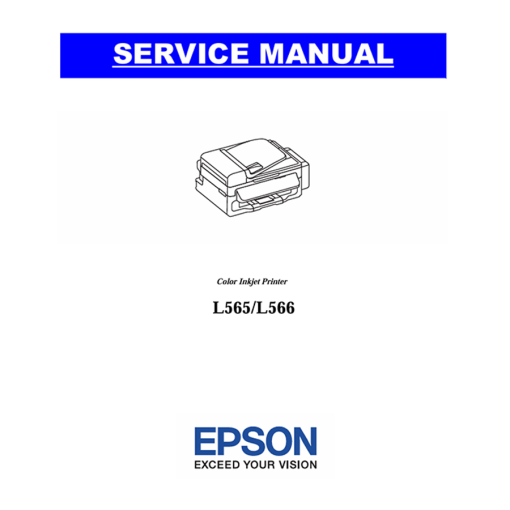
Epson Service Manual: Unlock Repair Potential for Your Epson EcoTank L565 & L566 Multifunction Printers
Epson Service Manual: The Indispensable Guide for Your Epson EcoTank L38x & L48x Series Inkjet Printers
Epson ET-2500 ET-2550 Adjustment Program
Epson Artisan Series (810, 835, 837, 710, 725, 730) Service Manual: A Comprehensive Guide for Technicians
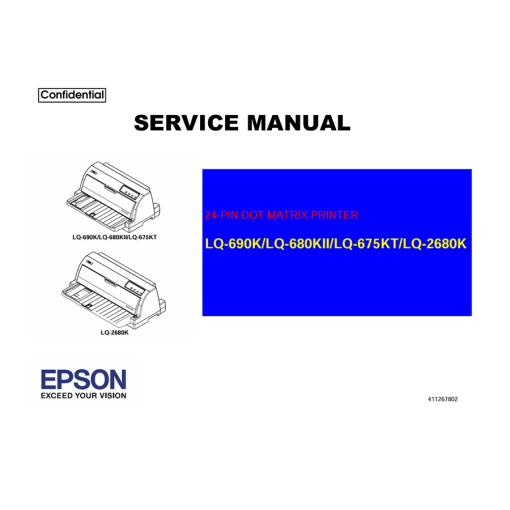
Epson Service Manual: The Indispensable Guide for Your Epson LQ-630, LQ-630K, LQ-630S, LQ-635K Dot Matrix Printers
Epson Service Manual: The Essential Guide for Your Epson LQ-300+, LQ-305K, LQ-305K-C Dot Matrix Printers
Epson Service Manual: The Indispensable Guide for Your Epson EcoTank L850 & L810 Photo Inkjet Printers
Epson L130 L132 L220 L222 L310 L312 L362 L365 L366 Adjustment Program
Epson Stylus Photo 1410 Adjustment Program
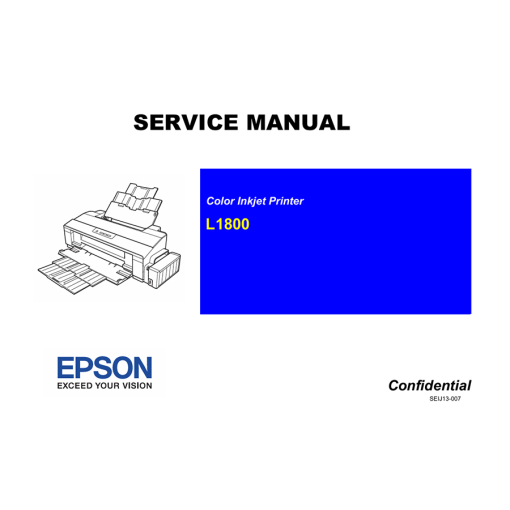
Epson Service Manual: The Definitive Repair & Calibration Guide for Your Epson EcoTank L1800 A3+ Photo Inkjet Printer
Epson WF-3010 WF-3520 WF-3530 WF-3540 Adjustment Program
Epson Service Manual: The Master Guide for Your Epson EcoTank L8500, L8550, L8160, L8180 Series Photo Inkjet Printers
Epson Service Manual: Your Expert Guide to Repairing the Epson WorkForce Pro WF-3720 Inkjet Printer